5. Understanding pricing and payments
Understand njuko pricing & payment processing.
This article explains how njuko’s pricing model works and how to choose the right payment setup for your event.
In short, your total cost depends on:
-
The modules you install
-
Your payment processing setup
-
Whether you choose a template or a white-label domain
Our pricing model is designed to be:
-
Flexible
-
Transparent
-
Scalable
The key strategic decision is your payment processing setup and the payment methods you offer, as this directly impacts conversion rates and participant experience.
If you’d like help modelling the best setup for your event, contact us at bonjour@njuko.com — we’re happy to guide you.
1. Platform cost per edition
When you create an edition in njuko, a base per-registration platform fee applies. This includes:
-
Platform usage
-
Secure data hosting
-
Maintenance and updates
-
Core registration functionality
On top of the base platform fee, you may:
-
Install additional modules from the Store
-
Choose a ready-made template (which may include pre-installed features)
Because njuko is modular, your total per-registration cost depends on the level of functionality you choose.
You only pay for what you use — making the system flexible for small, medium and large organisers alike.
Important: Once your edition is live, installed modules cannot be removed.
If you install new modules after going live, their per-registration cost will apply retrospectively to all registrations within the edition.
2. Payment processing – a strategic decision
Your payment strategy should support growth — not just reduce cost.
Your payment setup should be decided before launching your edition, as it affects configuration, accounting flow and participant checkout experience.
This decision should be based on:
-
Which payment methods your participants expect
-
Your country and currency
-
Your cashflow preferences
-
Your operational setup
Payment conversion rates are directly impacted by available payment methods.
If runners can’t pay using their preferred method, they may not complete registration.
Option 1: njuko processes payments for you
If njuko processes payments on your behalf:
-
We use Revolut as our payment platform
-
Supported methods include:
-
Mastercard
-
Visa
-
Google Pay
-
Apple Pay
-
Revolut Pay
-
We collect entry fees and transfer funds to you monthly, with consolidated reporting for simplified reconciliation.
This option is ideal if you:
-
Don’t want to manage your own payment gateway
-
Prefer simplified reconciliation
-
Want access to a broad mix of modern payment methods
Option 2: You use your own payment gateway
If you prefer to process payments directly:
-
For GBP (£) events → we connect Stripe
-
For EUR (€) events → we connect Payzen
In this case:
-
Payments go directly to your own account
-
Gateway fees are charged directly by your provider
-
njuko applies a small technical connection fee per transaction
This option is ideal if you:
-
Already use Stripe or Payzen
-
Want direct control over settlements
-
Require specific financial reporting flows
What about free or imported registrations?
There are no transaction processing fees for:
-
Free registrations
-
Imported registrations
Processing fees only apply to paid transactions. Free or imported registrations do not incur payment gateway charges.
If you’re still unsure which option suits your event, we’re happy to advise.
Here are some helpful statistics from 2025 that may help you:
Payment Method | Approx. Percentage (UK) |
Debit cards | ~48% of online payments (card transactions) |
Credit cards | ~26% of online payments |
PayPal | ~20% of online payments |
Mobile wallets (Apple Pay + Google Pay + others) | ~40% of online purchases use digital wallets overall |
• Apple Pay | ~63% of digital wallet users |
• Google Pay | ~37% of digital wallet users |
3. The Store (modules)
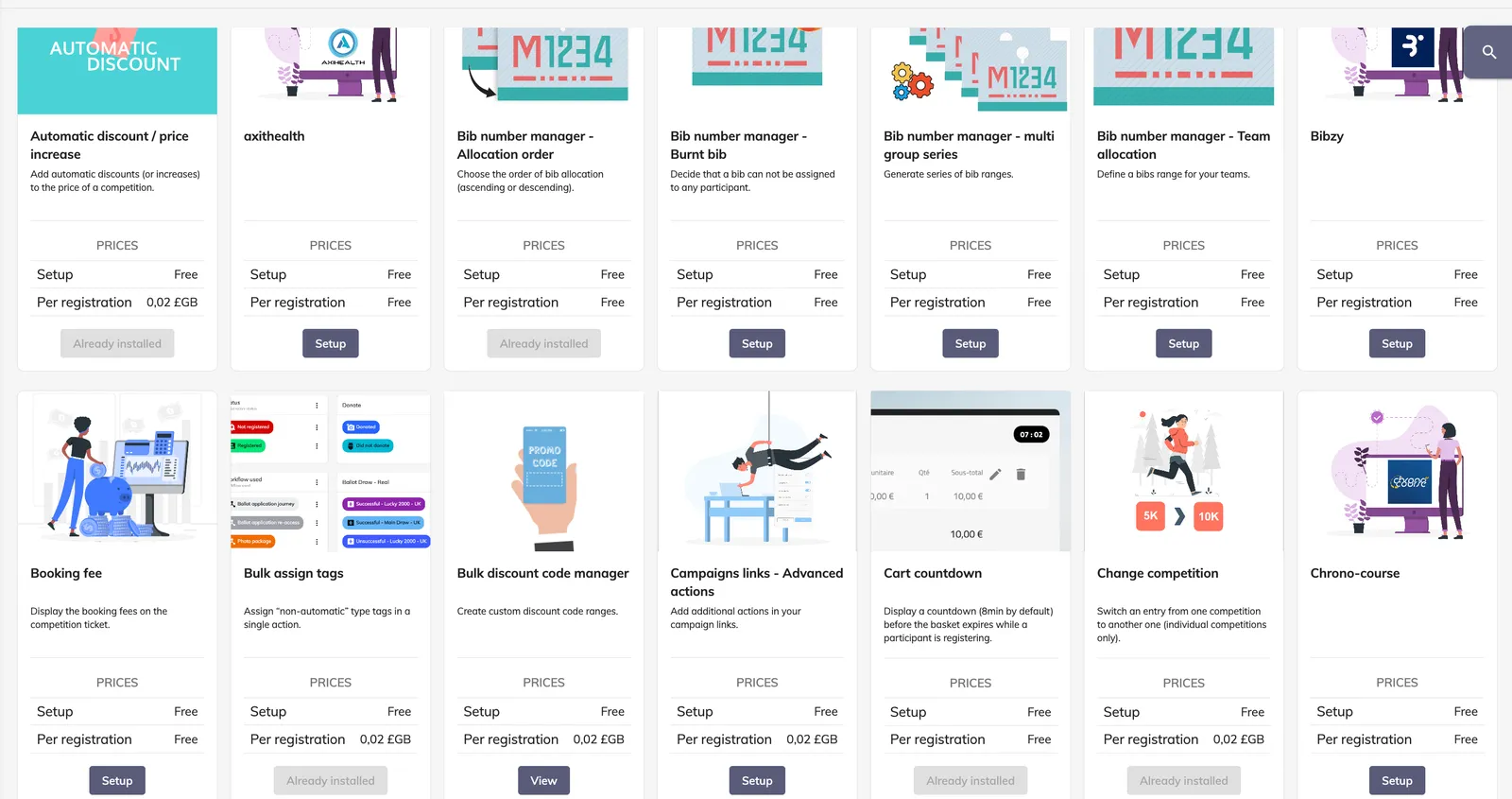
After creating your edition, head to the Store to activate additional modules.
-
Many modules are free
-
Some have a small per-registration cost
-
Module costs apply per registration within the edition — not per usage
Modules enhance:
-
The participant journey (UX, upsell, engagement)
-
Your operational efficiency (automation, reduced manual work)
-
Your revenue potential (upselling, fundraising, integrations)
-
Your data and reporting capabilities
-
Your marketing and communication performance
Because njuko is modular, you build the platform around your needs.
4. Templates
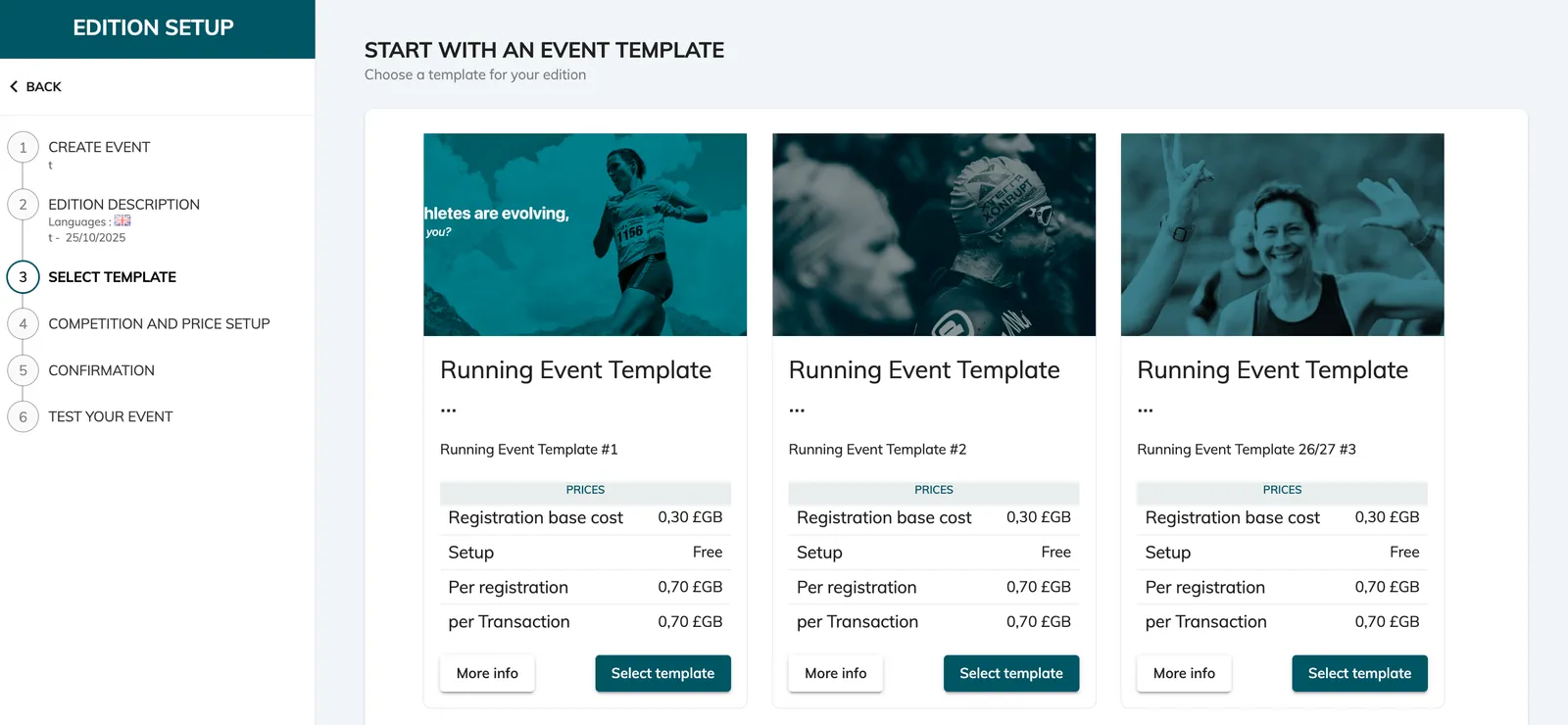
When creating an edition, you can start:
-
From scratch
-
From a template
Templates are pre-built editions with recommended modules already installed and partially configured.
They:
-
Save setup time
-
Provide best-practice structure
-
May include additional built-in functionality
You’ll still customise branding, content and specific settings.
5. White label domain
You can replace the njuko domain with your own branded domain.
This incurs a monthly cost charged to your structure.
In practical terms, we replace the njuko.com part of the URL with a domain:
-
Either you purchase and provide
-
Or we purchase on your behalf
If we purchase the domain, we will also handle SSL configuration and renewal.
If you purchase the domain, you will be responsible for managing and renewing the SSL certificate.
Important requirements if you own the domain:
-
The domain must be brand new
-
It cannot host other applications or websites
-
All of these sub domains need to be available:
-
api.
-
front-api.
-
registrations.
-
my-structure.
-
accounts.
-
store.
-
in.
-
admin.
-
developer.
-
courses
-
financial-api.
-
portal.
-
A white label domain:
-
Reinforces your brand identity
-
Allows you to customise your Terms of Use and Privacy Policy
-
Lets you personalise the top-left logo and the favicon
-
Lets you manage translations for your entire structure (as long as we can deploy the admin. URL for the chosen domain)
That said, even without white labelling, the platform remains fully customisable with:
-
Custom logos
-
Background images
-
Hex colour codes
-
Custom messaging
njuko default - without white label
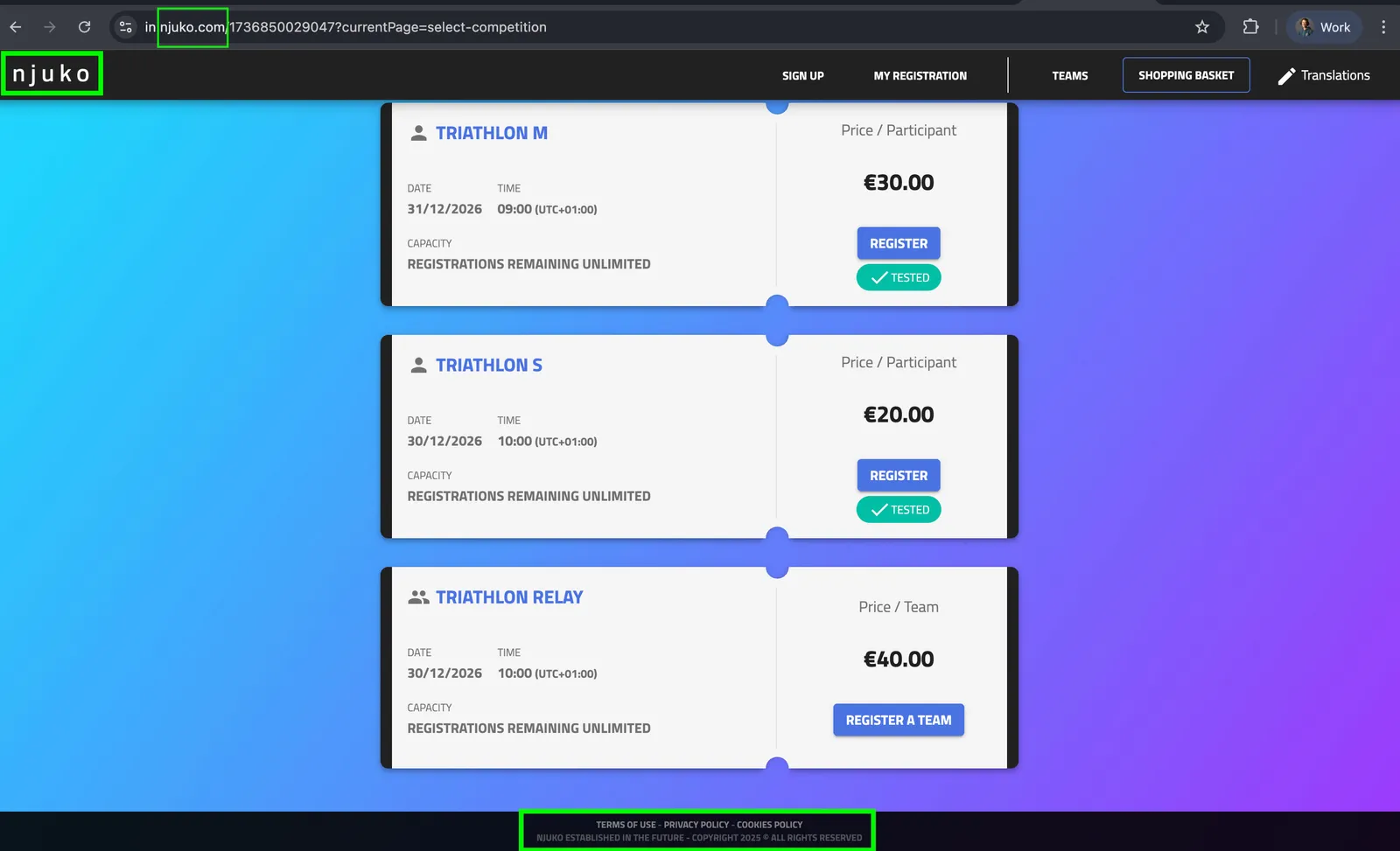
white label domain example