Design specifications for entry forms and emails
Image size recommendations and more.
Below are our recommended image sizes for uploads within the platform.
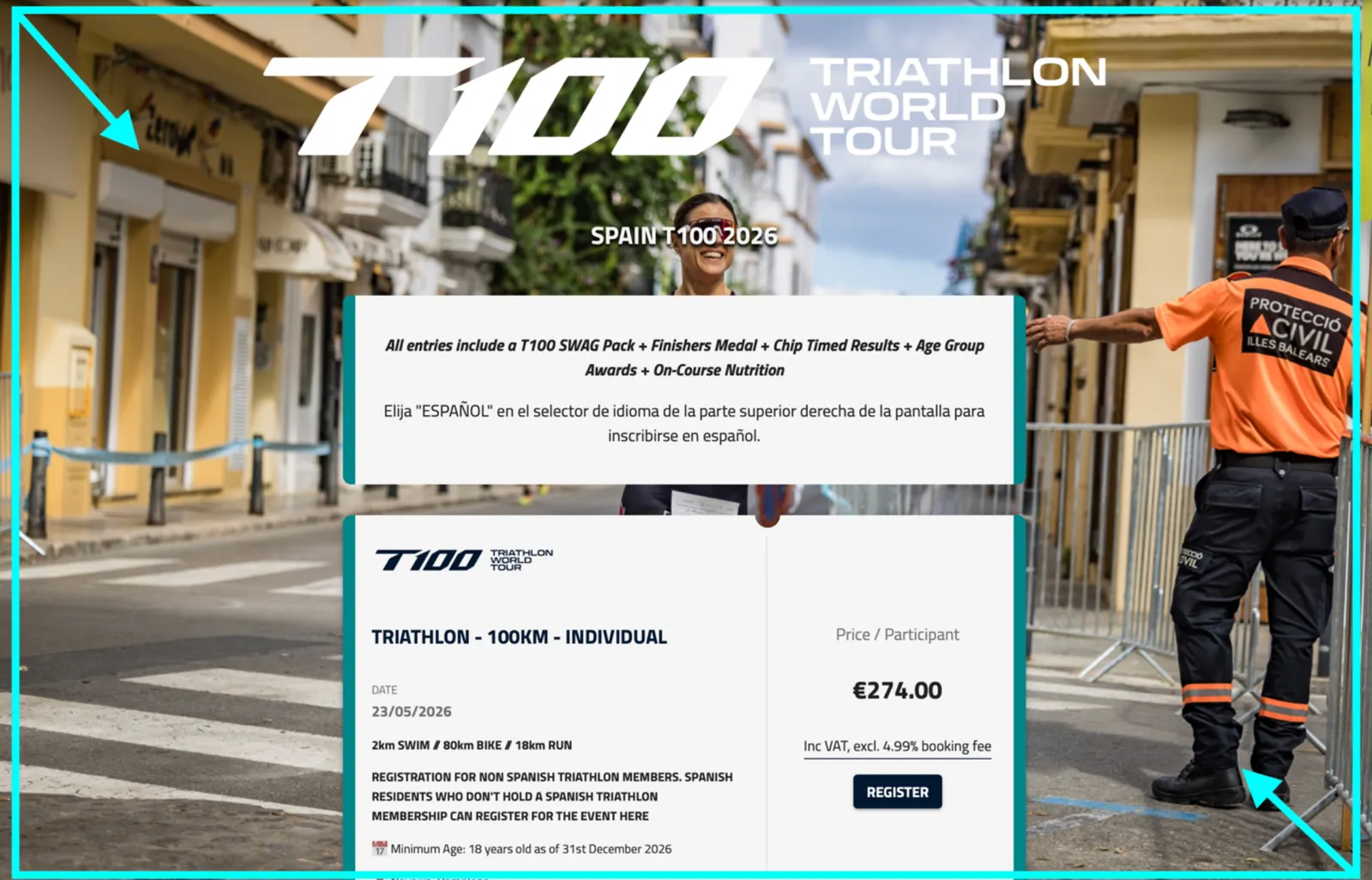
1. Background images
2000x2000 works best, with a clean design such as this:
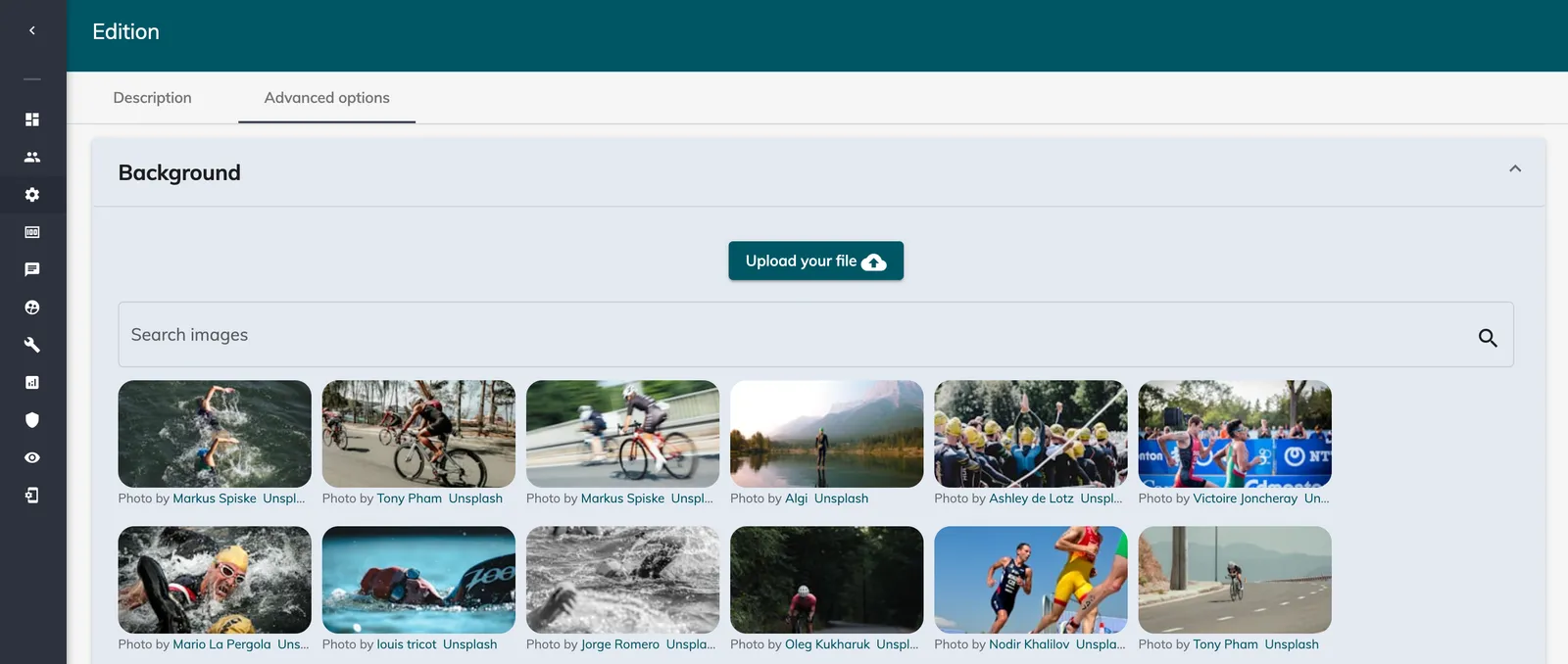
This image can be edited in “Edition Setup” > “Edition settings” > “Advanced options” > “Background”.
2. Logos
If you are using our specific logo upload tool in “Setup” > “Edition settings” > “Advanced options”:
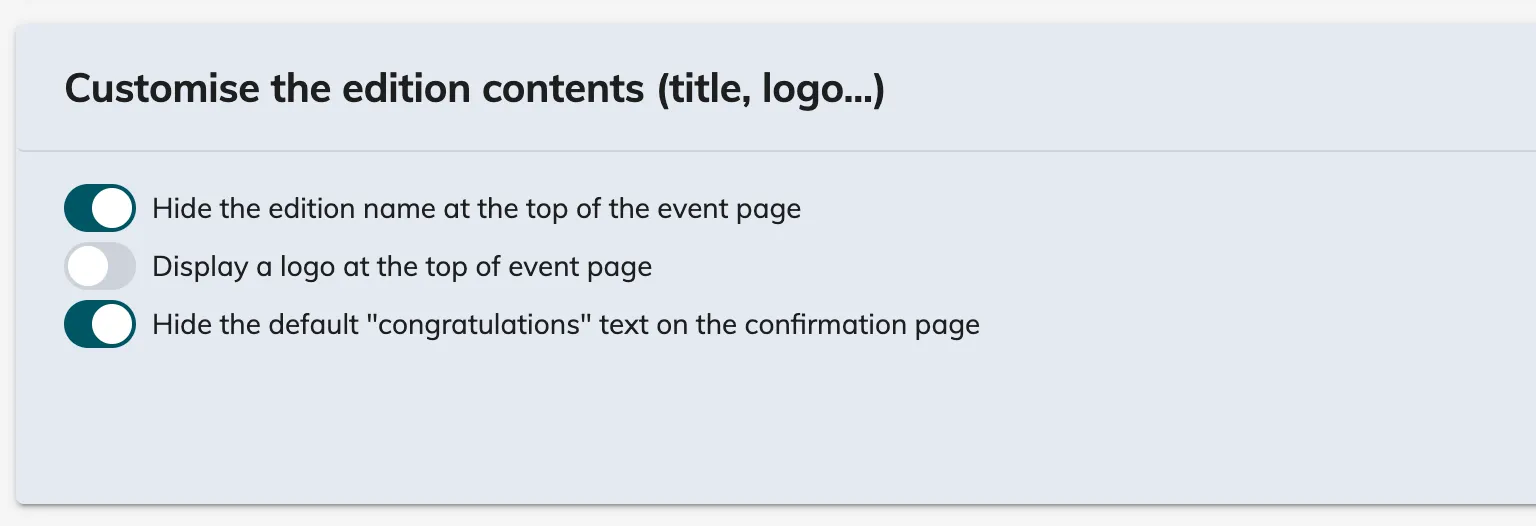
350 x 350 pixels (work best as a PNG file with a transparent background).
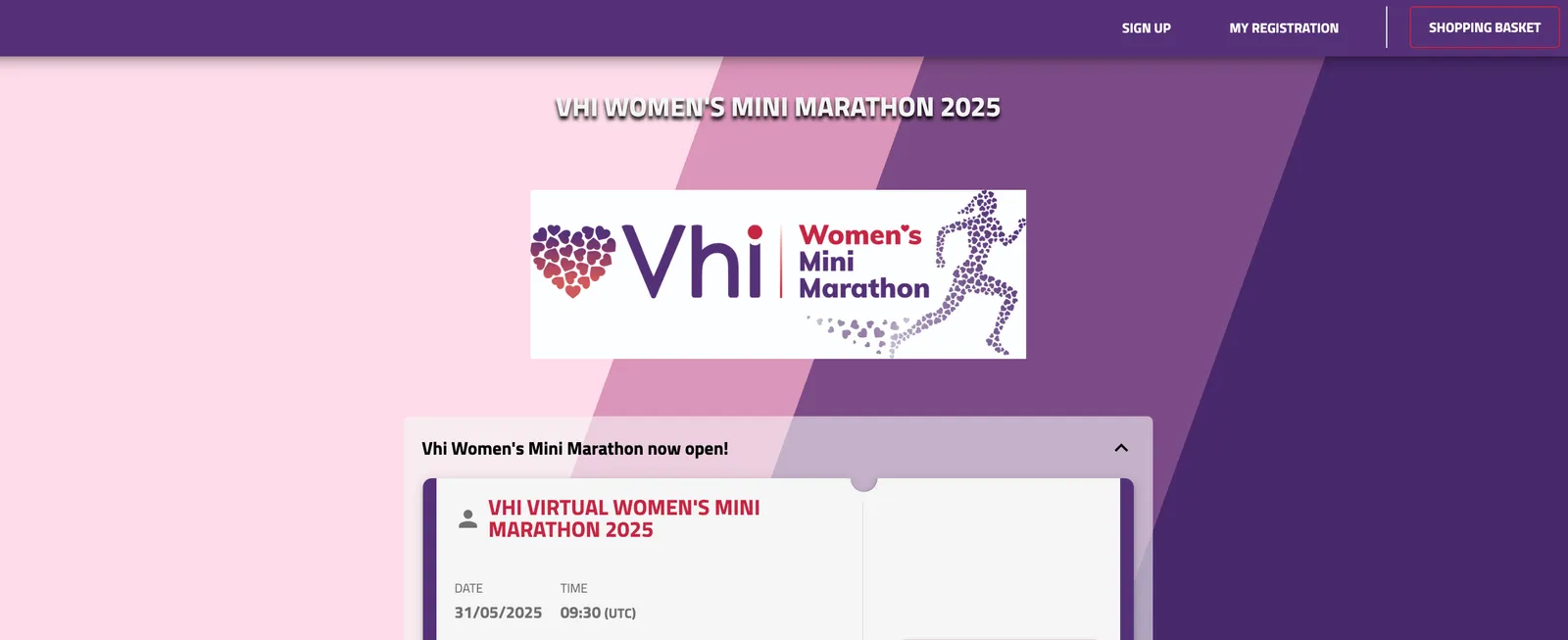
3. Images within a form field
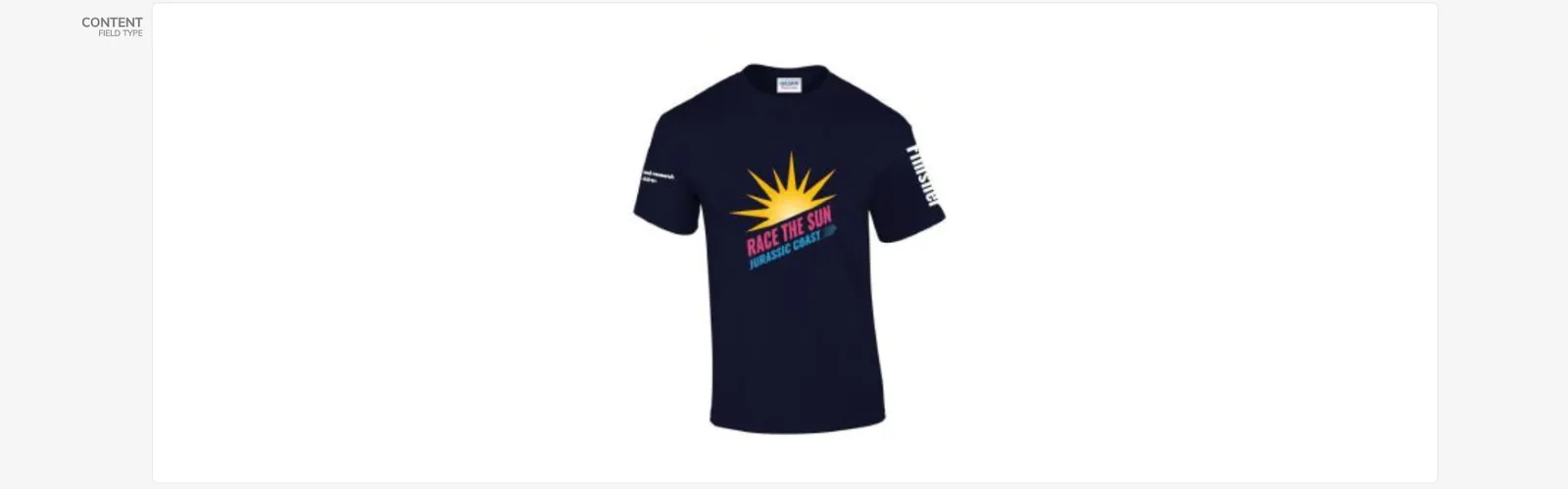
3.1 Content fields
Maximum 2000 pixels wide.
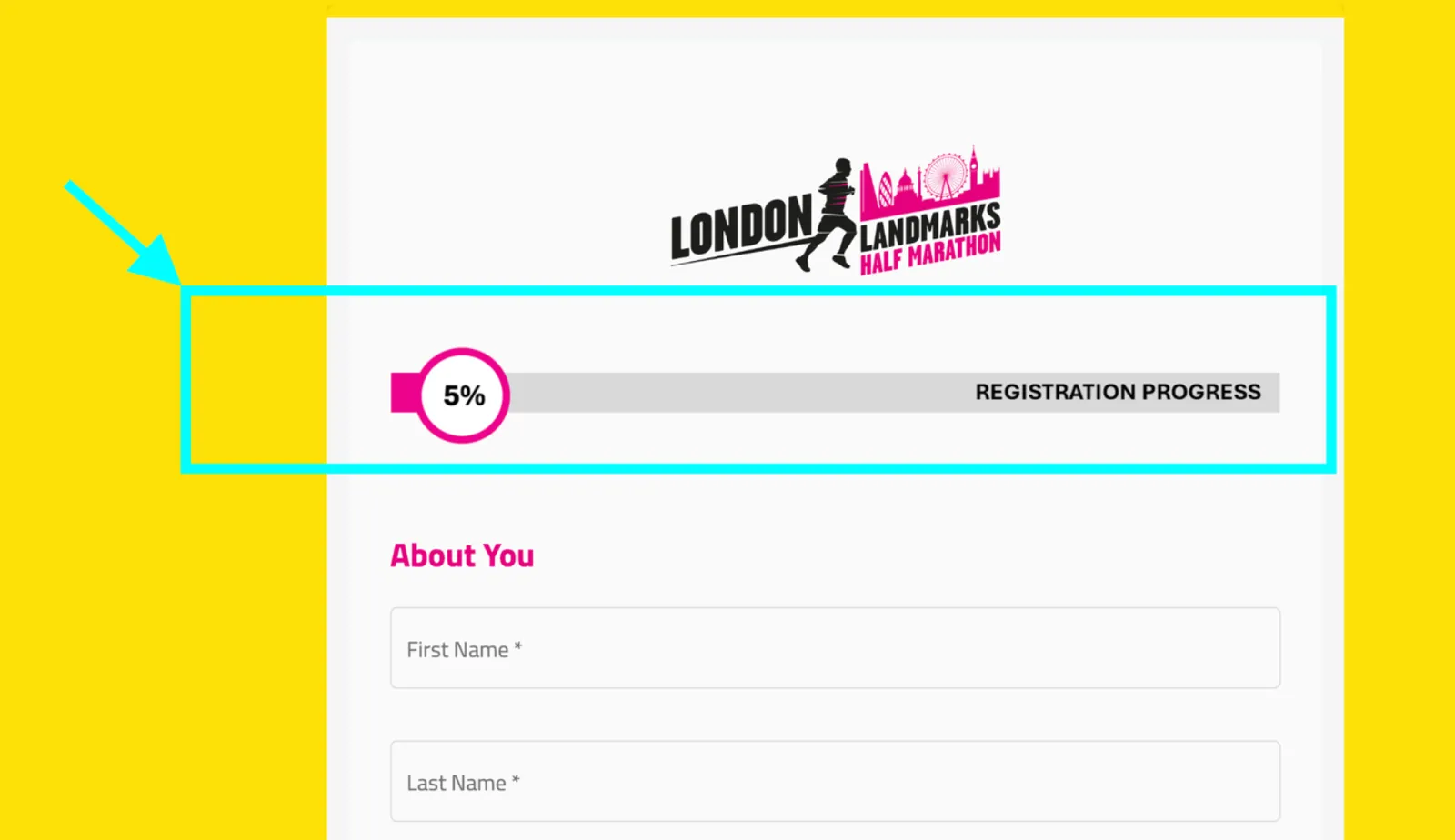
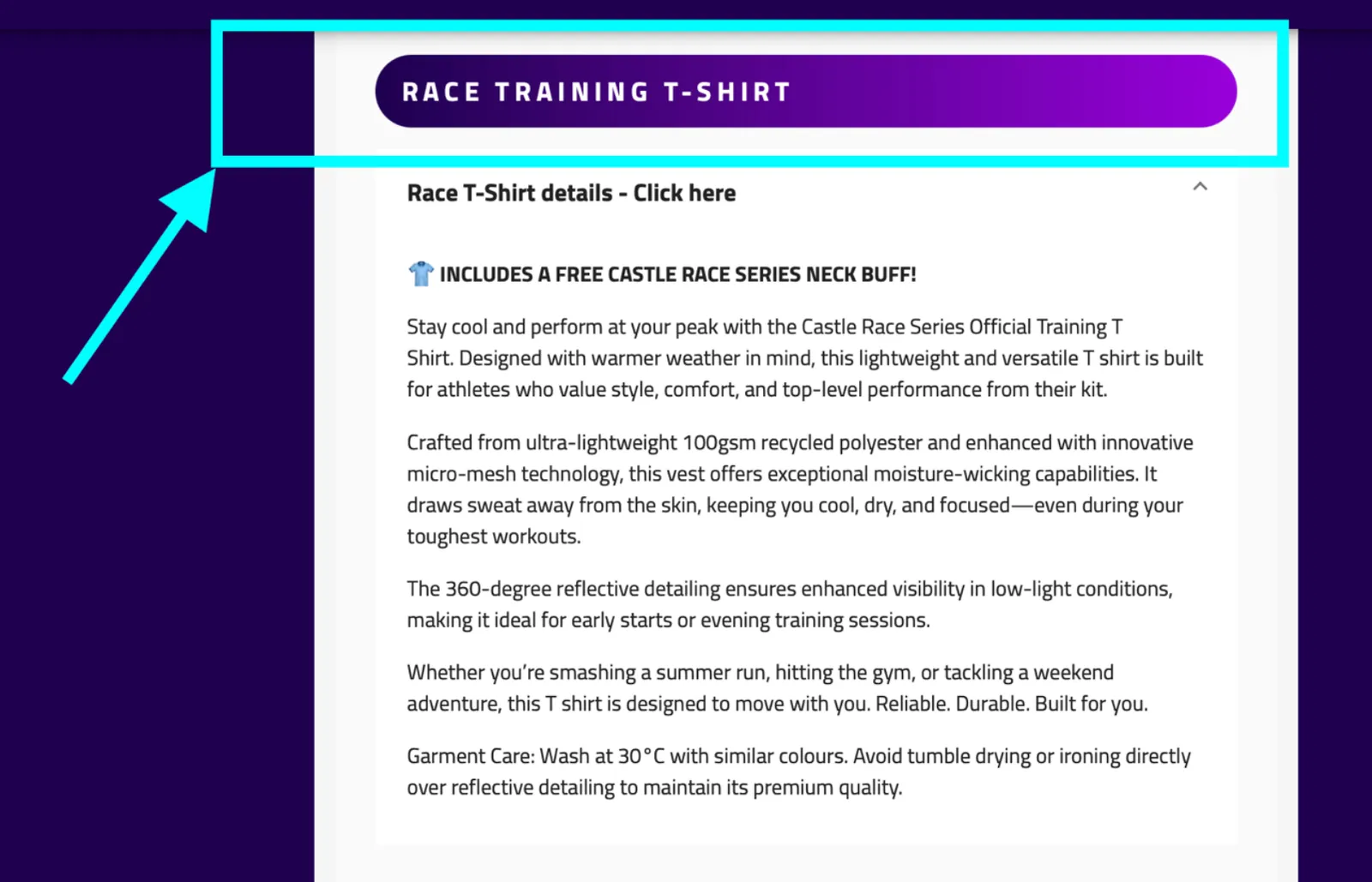
3.2 Form section or progress bar headers
720x wide, height of your choice however a thin design works best. Our team can help with the CSS design.
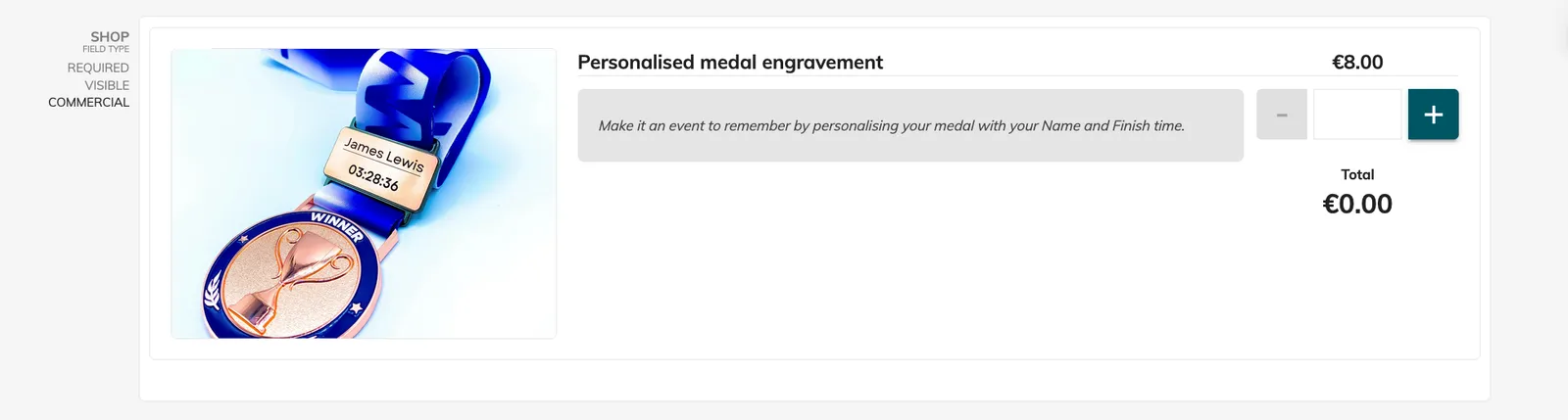
3.3 Commercial fields (shop or select)
Ideally use a landscape image of 382 x 228 pixels with a safe zone in the middle of 184 x 182 pixels.
3.4. GIF images
750 pixels wide for the form (can then be adjusted in back office).
On this website, you can resize and download a Gif: https://ezgif.com/resize
3.5 File field
The uploaded file needs to be under 5 Mo.
4. Images within emails
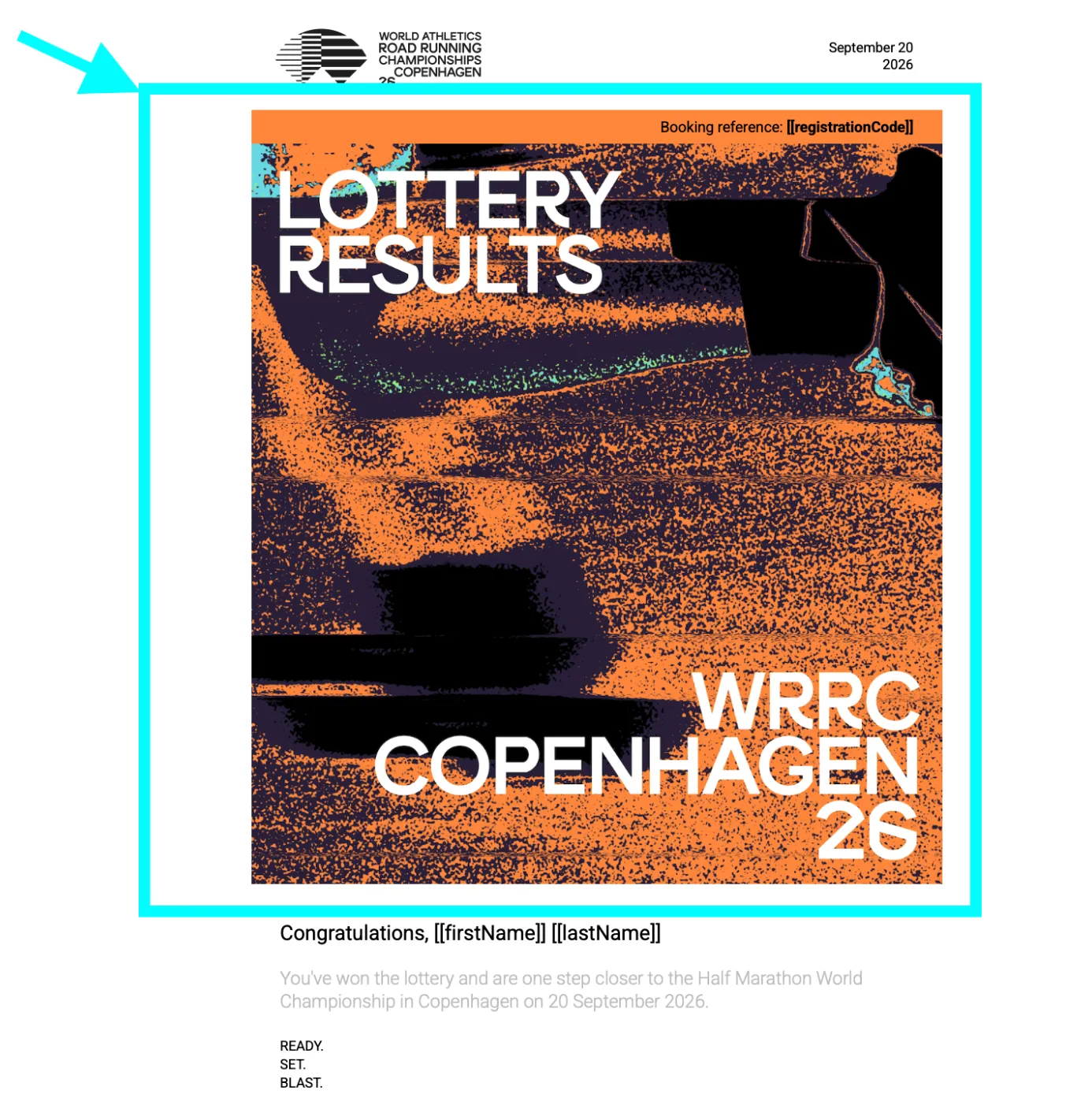
4.1 Email header logo or banner
620x wide, height of your choice however 200x – 350x height works best. Make sure to keep the file size optimised for emails by reducing the quality to 80% where possible.
5. Images within messages
5.1 Using messages for the select competition page header logo or banner
720x wide, height of your choice however 200x - 350x height works best. The banner will be responsive on mobile devices.
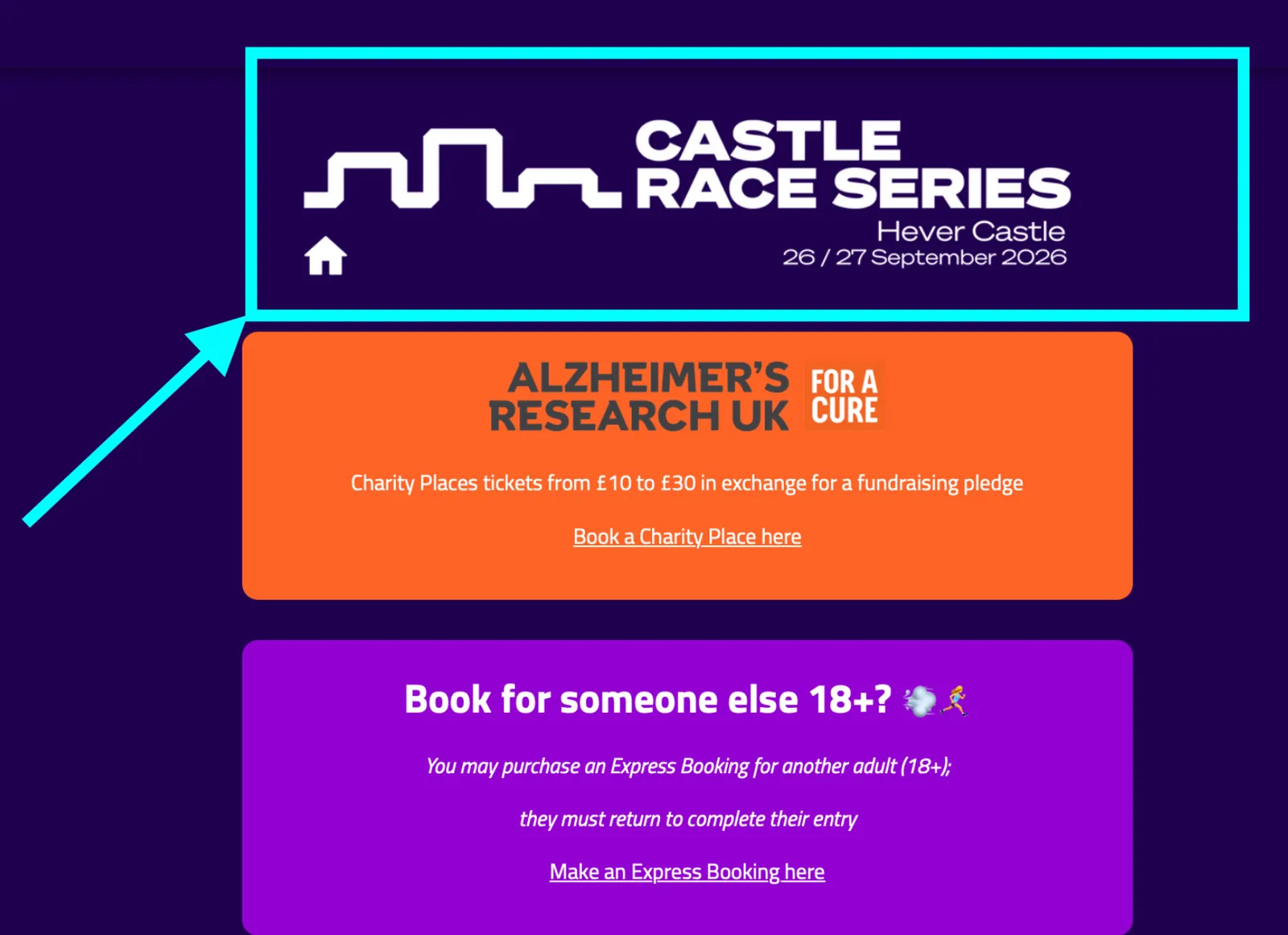
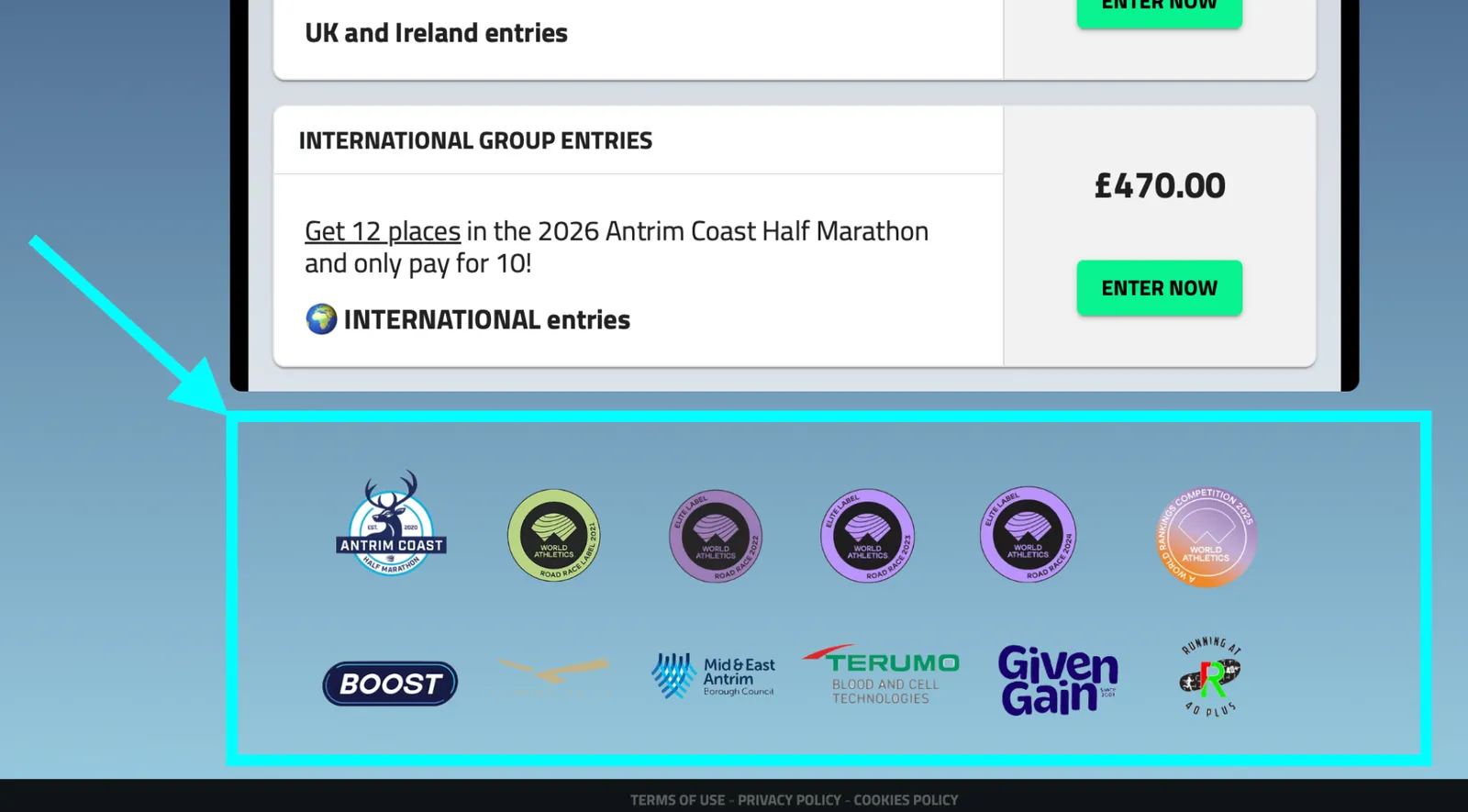
5.2 Using messages for entry page footer logo(s) or banner
720x wide, height of your choice however 200x – 350x height works best. The banner will be responsive on mobile devices.