Best practices for confirmation emails
Discover best practices for building confirmation emails that improve participant experience, reduce inbox queries, and support smooth event-day operations.
Your confirmation email is one of the most important moments in the participant journey.
It reassures participants that their registration is complete, reduces support requests, and sets the tone for their event experience.
A clear, well-structured confirmation email will:
-
Build trust
-
Reduce inbox queries
-
Improve event-day preparedness
-
Increase engagement before race day
1. What your confirmation email should include
1.1 Link to the participant dashboard
We recommend including a direct link to the participant dashboard.
This allows participants to:
-
Review their registration details
-
Edit information (if enabled)
-
Purchase add-ons
-
Access important event updates
Including the dashboard link significantly reduces “Can I change…?” support emails.
1.2 Key registration variables
To personalise and clarify the confirmation, we recommend including these common variables:
-
Booking ID
-
Participant first and last name
-
Participant email
-
Competition name
-
Edition name
These help participants immediately recognise their booking and provide useful reference details if they need to contact support.
1.3 QR code (if using the on-site app)
If you are using our on-site app for check-in or bib collection, include the participant’s QR code directly in the confirmation email.
This:
-
Speeds up race-day operations
-
Reduces queues
-
Minimises manual lookup
Make it clearly visible, high contrast, and easy to access on mobile.
1.4 What not to include
You cannot include receipt or payment information in the confirmation email.
Why?
Payment details are linked to the person who paid — and this may not always be the participant (for example, a friend registering another person).
For compliance and data protection reasons, payment information must only be sent to the payer, not automatically to the participant.
Use the dedicated payment confirmation email instead.
Similarly, the bib number variable cannot be included in the confirmation email.
This email is sent immediately after registration, before bib numbers have been assigned.
2. Best practices
2.1 Image sizes
If you include banners or images:
-
Avoid overly large file sizes (maximum 620px wide, height as needed)
-
Optimise images for email (reduce quality to around 70–80% where appropriate)
-
Test display on mobile
Large images can slow loading time and increase the chance of emails landing in spam folders.
Please refer to our article on image size recommendations for detailed guidelines.
2.2 Structure recommendations
A strong confirmation email typically follows this structure:
-
Clear confirmation headline (“Your registration is confirmed”)
-
Key booking details (variables listed above)
-
QR code (if applicable)
-
Next steps (what happens now?)
-
Important event information or links
-
Participant dashboard link
Keep it clear, scannable, and mobile-friendly.
2.3. Encourage a “Next Step”
Confirmation emails can drive engagement — not just confirmation.
Next steps could include:
-
Add to calendar
-
Join the event Facebook group
-
Buy merchandise
-
Share on social media
2.4 Mobile-first reminder
Over 70%+ of participants open confirmation emails on mobile.
So you might include:
-
Short paragraphs
-
Large buttons
-
Avoid long blocks of text
2.5 Test before going live
Errors or incorrect information in a confirmation email can damage trust and create unnecessary support requests.
We strongly encourage you to:
-
Send test emails
-
Check all variables
-
Test QR scan
-
Click all links
-
Spell-check
2.6 Deliverability considerations
In order to improve email deliverability, you may consider:
-
Avoid excessive use of images
-
Avoid spam trigger words
-
Avoid using emojis and words written entirely in capital letters (both in the subject line and in the content)
-
Encourage participants to check their spam folder
-
Ask participants to add your mailing address to their contacts
Check out our article on email deliverability for further details.
3. Confirmation email examples and template
3.1 Confirmation email template
Below is a clean, professional structure that you can use as a guideline.
Subject: Your registration is confirmed – [[Competition Name]]
Hi [[Participant First Name]],
Your registration for [[Competition Name]] – [[Edition Name]] is confirmed.
Booking Details
-
Booking ID: [[Booking ID]]
-
Participant: [[First Name]] [[Last Name]]
-
Email: [[Participant Email]]
Access Your Dashboard
You can review and manage your registration here:
👉 [[Participant Dashboard Link]]
From your dashboard you can:
-
Update your details
-
Purchase add-ons
-
Access event updates
Your QR Code
Please present the QR code below during bib collection or check-in:
[[QR Code]]
What’s Next?
-
Add the event to your calendar
-
Review event information
-
Join our community
-
Prepare for race day
We look forward to seeing you at the start line!
The [[Edition Name]] Team
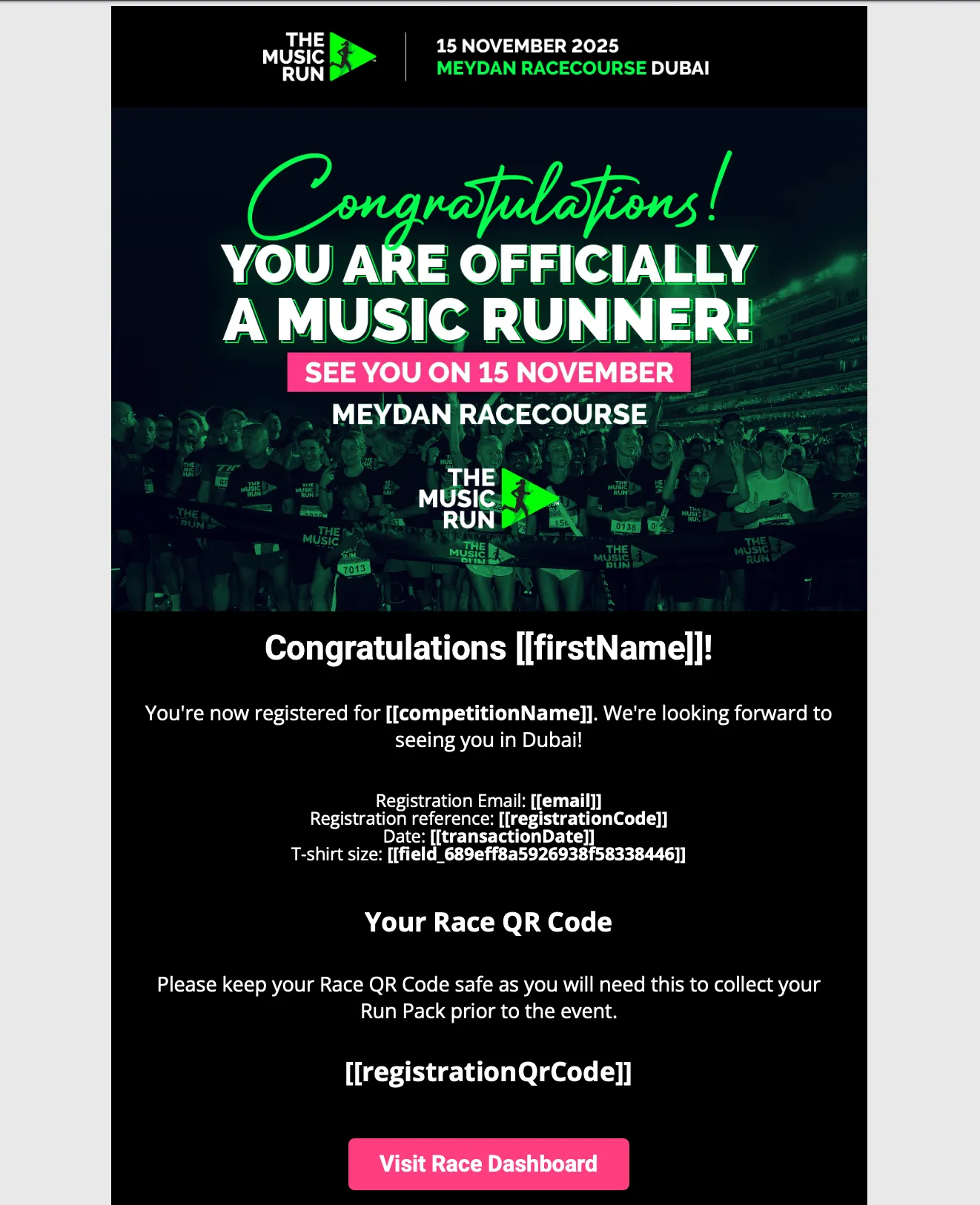
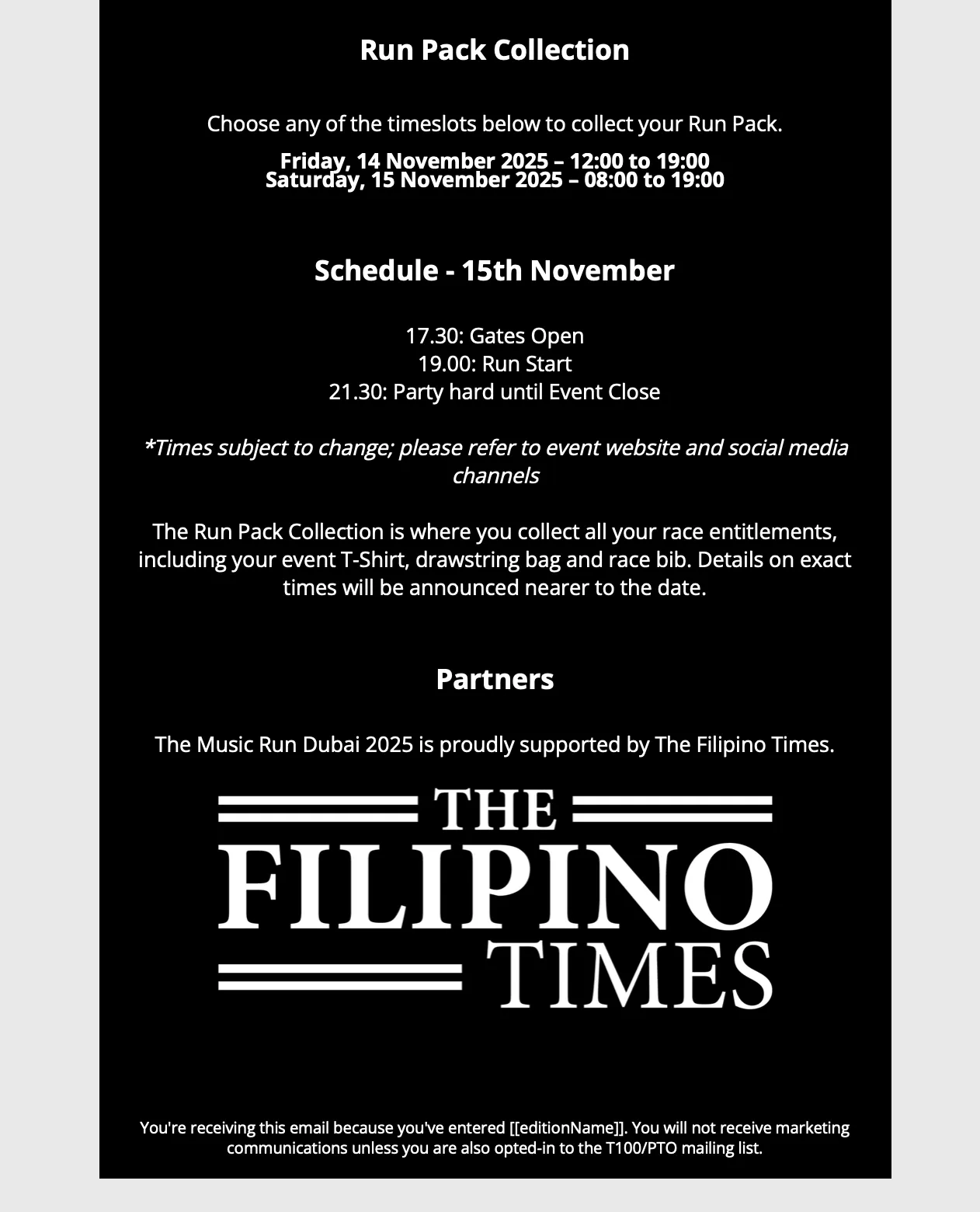
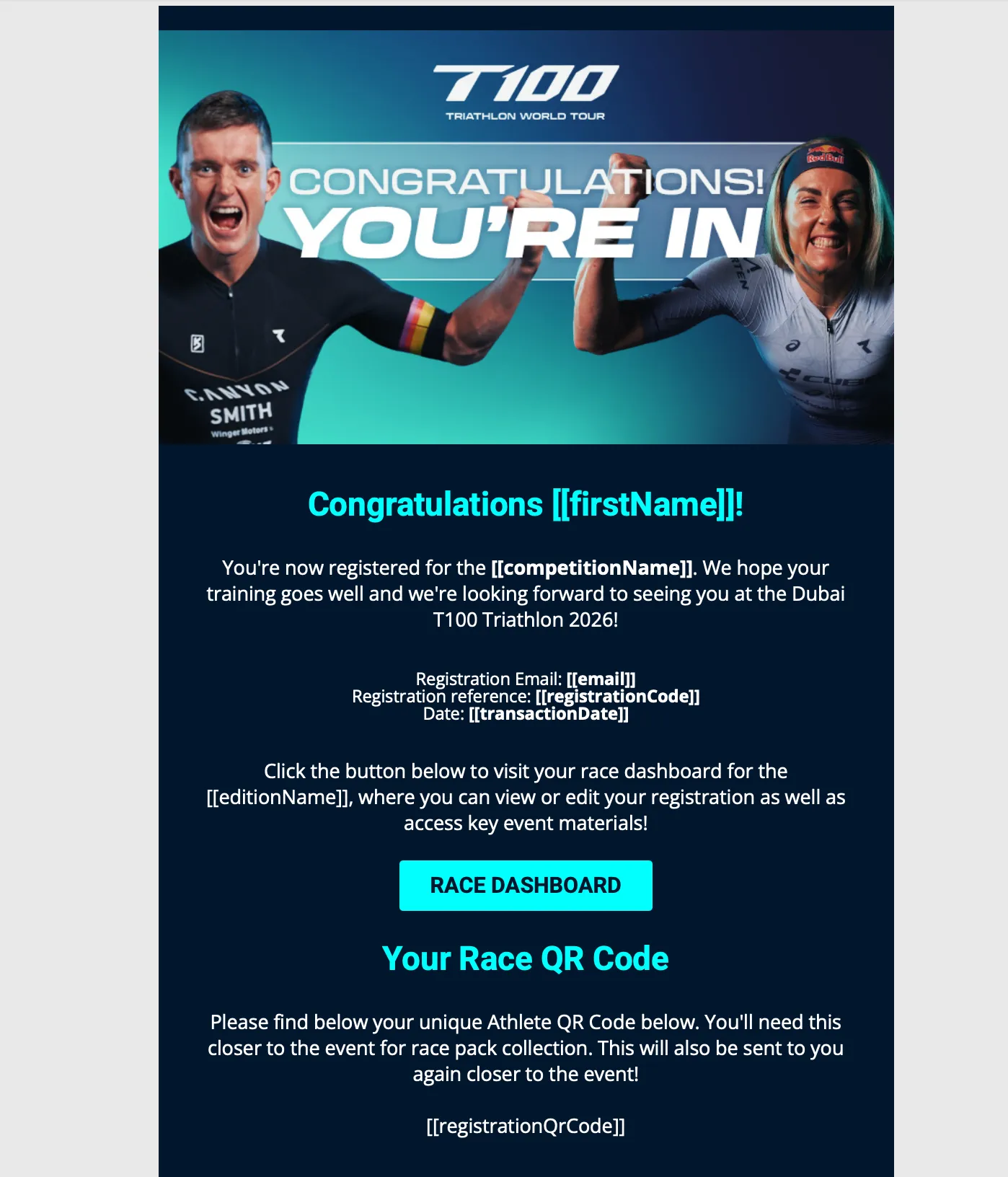
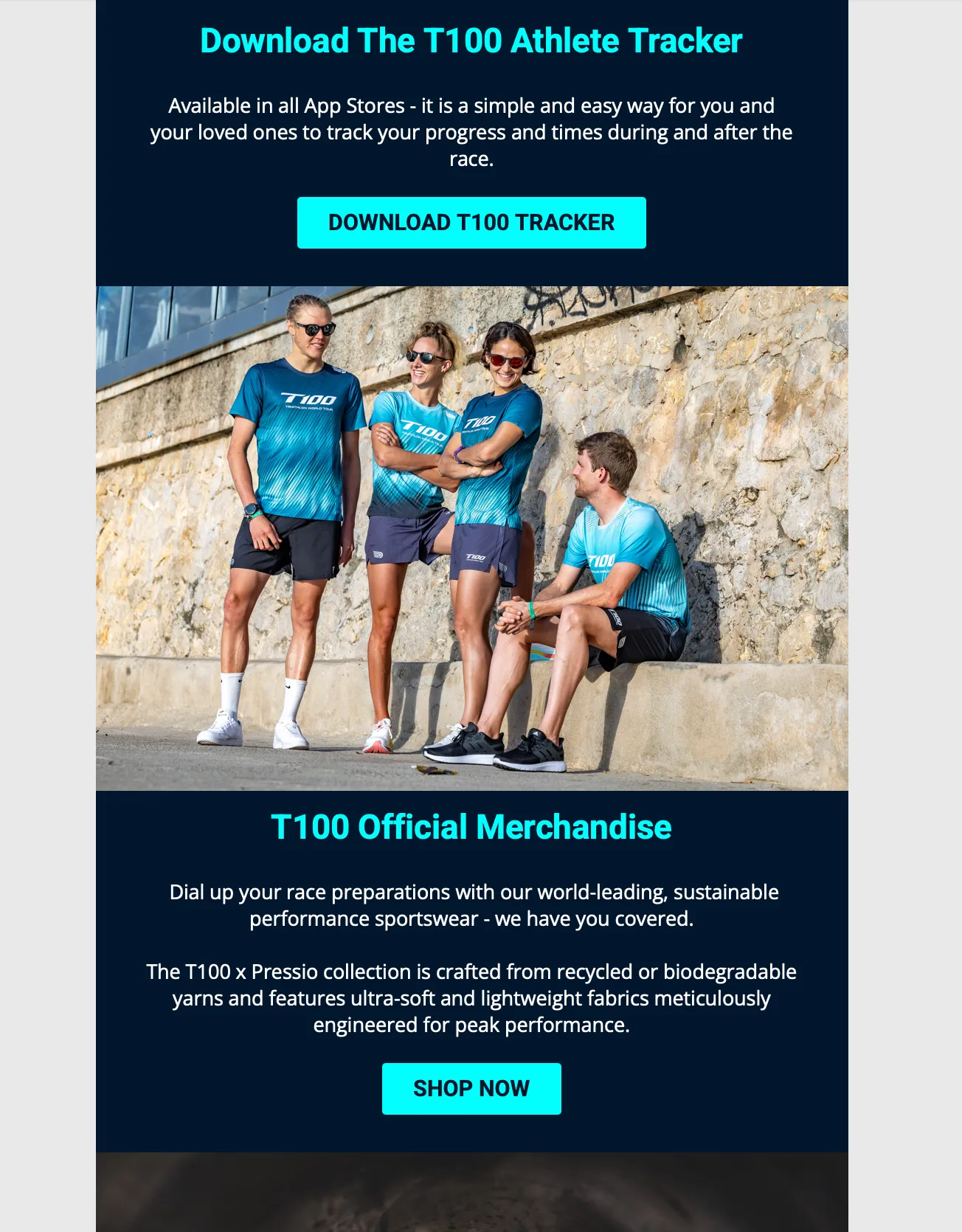
3.2 Confirmation email examples