
Set up the gift an entry module
How to setup the gift an entry module.
1. What is the gift an entry module?
This module makes it possible to gift a competition entry to someone.
Once the gift has been purchased, the recipient can claim their registration by entering their gift code and completing the registration form.
2. How to set up the module
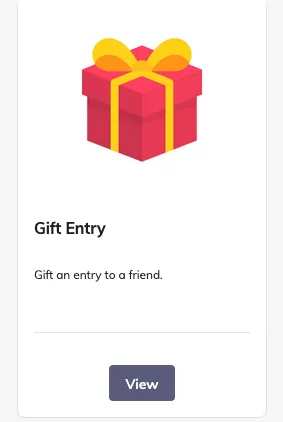
Install the ‘gift entry’ module:
2.1 Activate gift entry on your competitions
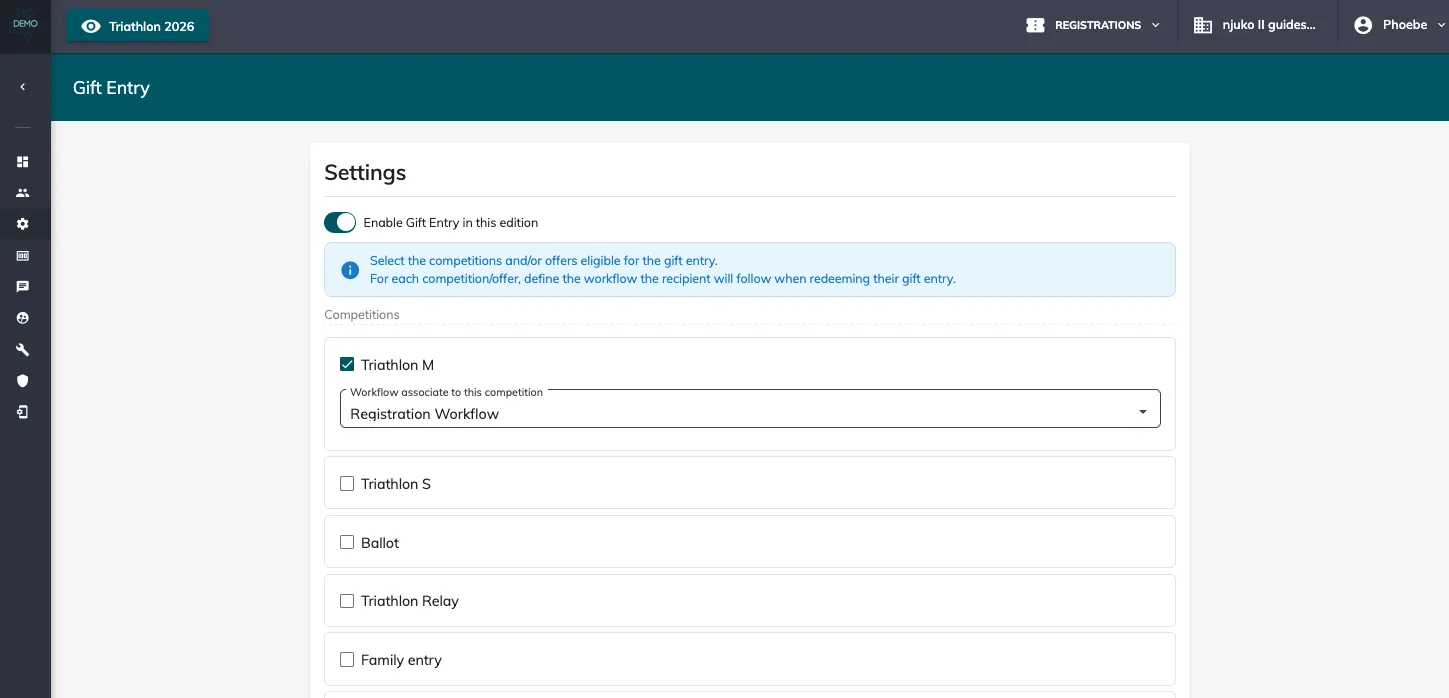
In your edition, go to ‘Setup’ > ‘Gift Entry’ > Enable gift entry in your edition > Select the competitions and associated workflows.
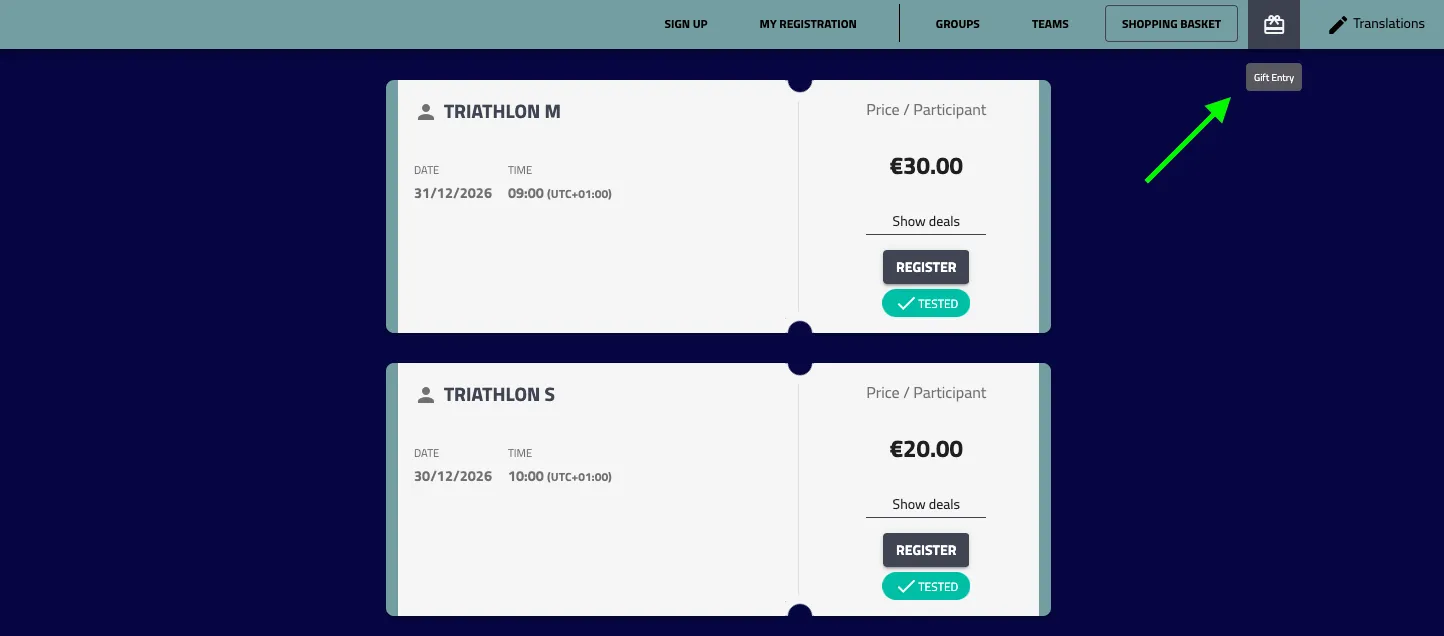
A new ‘Gift Entry’ button is now displayed on the competition selection page:
2.2 Create your email
Go to ‘Communication’ > ‘Emails’ > Add a new email to send to the ‘Gift purchaser’ and with the type ‘Gift entry purchase confirmation email’.
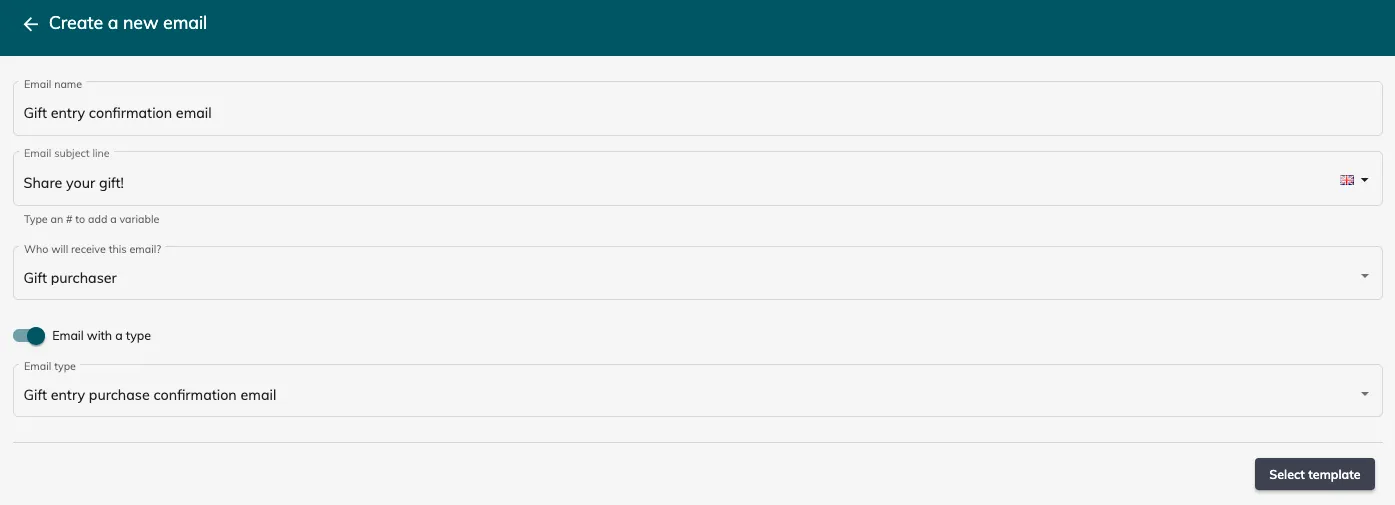
Configure your email. There are new variables and button links available:
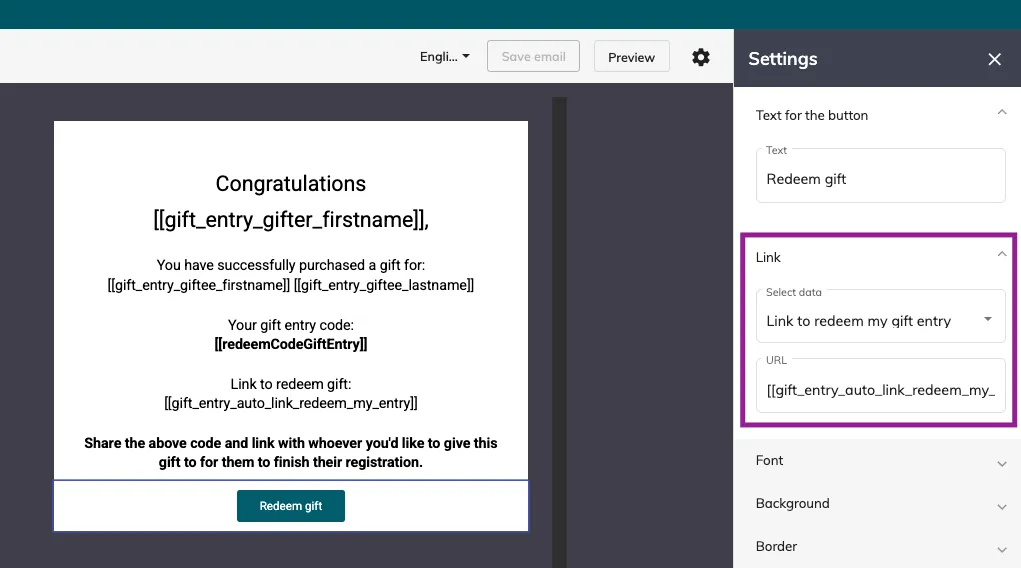
This email will be send to the person who purchased the gift. It’s then up to them to share the redeem link and code with the person they’d like to give the gift to.
2.3 Useful information
As an organiser, to see the gifted entries, you can install the ‘Pre-registrations, Ballot applications’ module to see and export the unclaimed gifted entries. Once installed, go to ‘Registrations’ > ‘Applications’. Once these places have been redeemed by the recipients, you will find them under ‘Registrations’ > ‘Participants’.