
How to create a form asking for FFA / PPS / QS numbers or a supporting document
Everything you need to know to create a form asking for an FFA licence number, a PPS number, a QS number or a medical certificate.
1. What is the FFA?
The Fédération Française d’Athlétisme (French Athletics Federation) is a non-profit association under the French law of 1901 that governs the organisation of athletics in France, by delegation from the Ministry of Youth and Sports. It has been chaired by Jean Gracia since December 2024.
Find out more: https://www.athle.fr/
2. What is the PPS?
The Pass Prévention Santé (health prevention pass) is a participation permit issued by the Fédération Française d’Athlétisme (FFA). It is compulsory for every adult participant who does not hold an FFA licence of the Compétition, Running or Entreprise type for the season current on the date of the edition.
3. How to set up my form
3.1 Add the fields to a form
You can add the required fields to an existing form, or create a new form dedicated to them.
Here are the fields you can add:
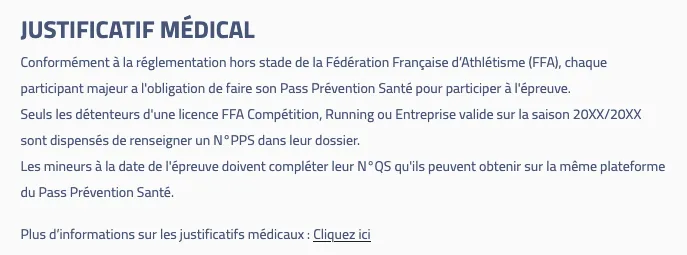
- An explanatory content field, shown to everyone:
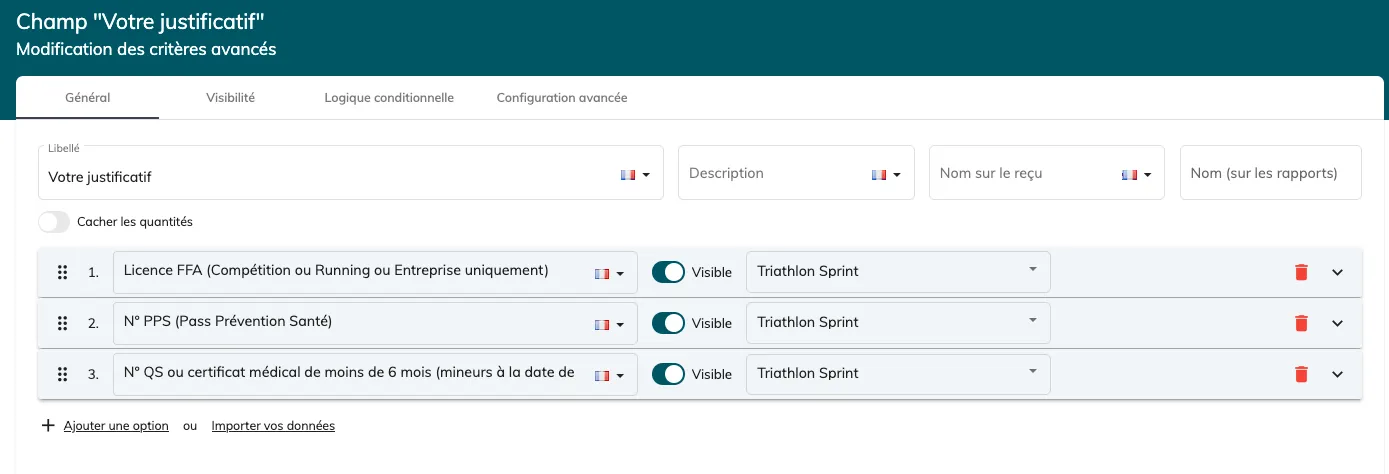
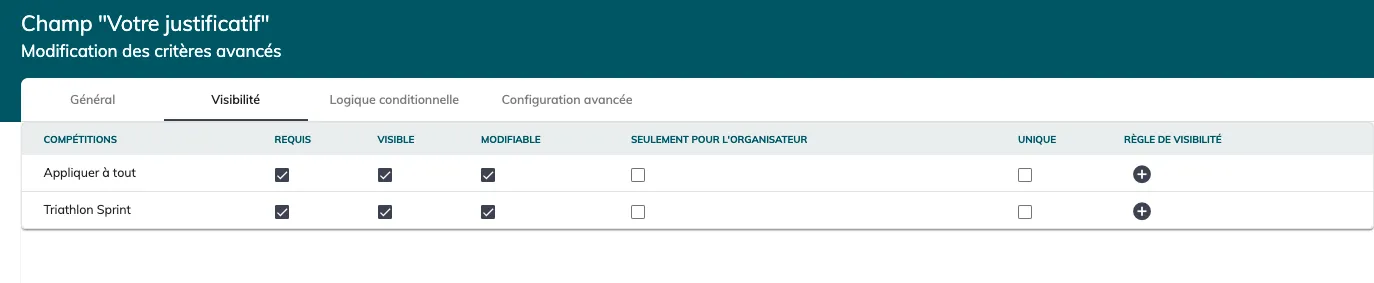
- A radio button asking which supporting document the participant wants to provide, a required field for everyone:
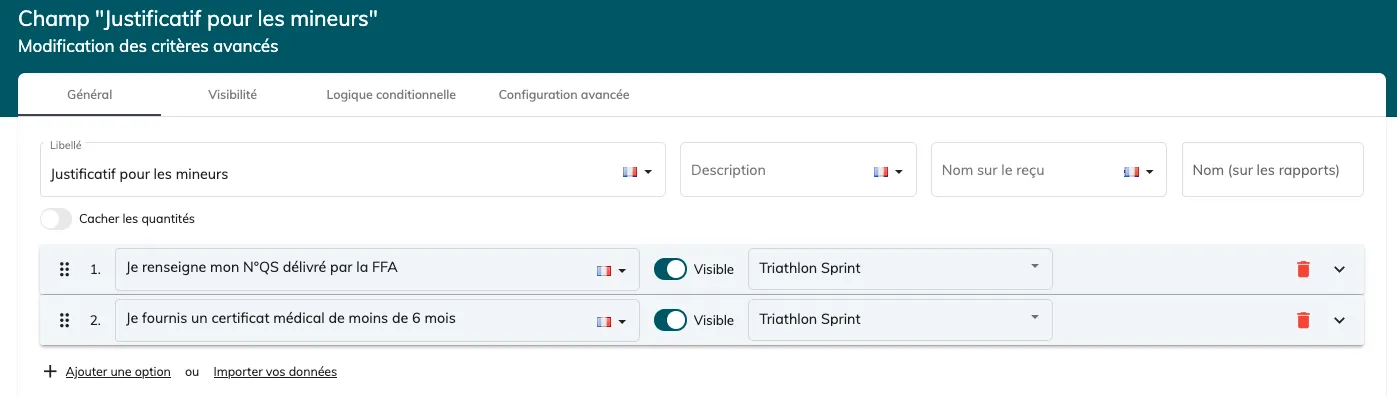
- A radio button for minors, conditional on the answer to the “your supporting document” field and required for everyone:
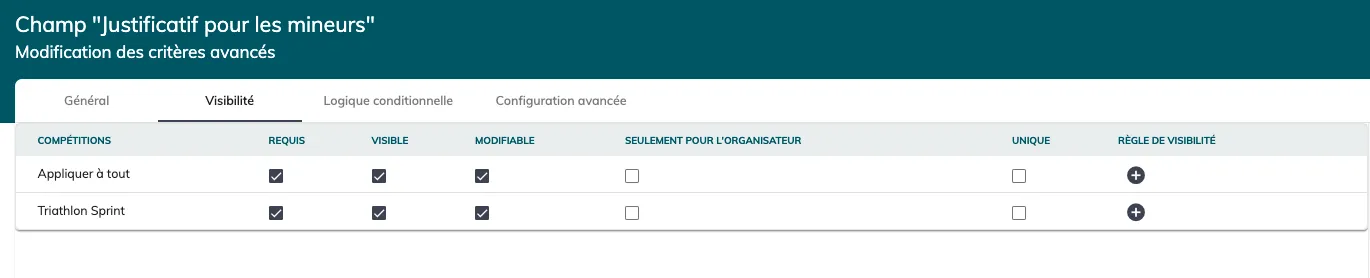

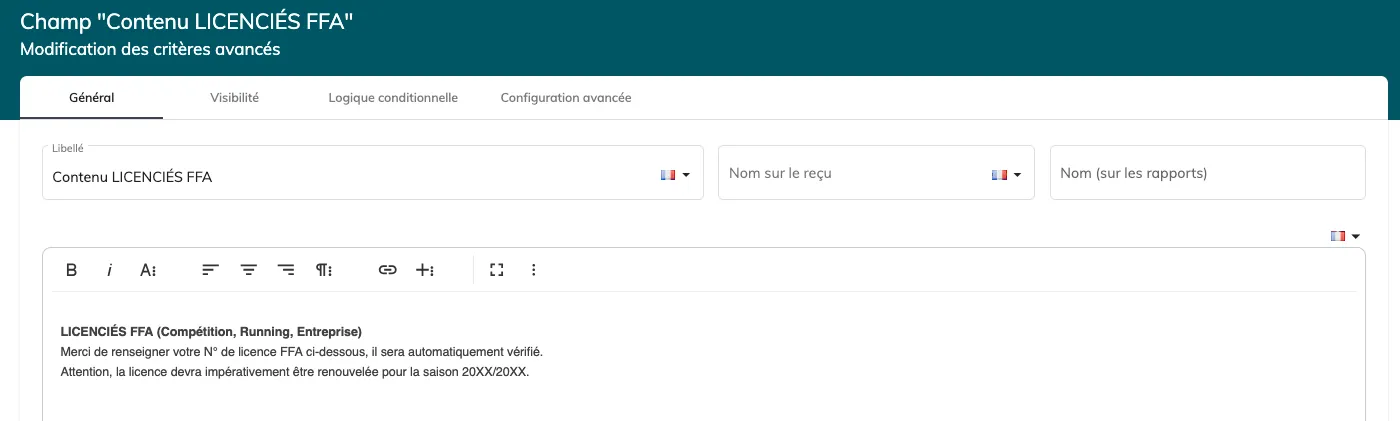
- An explanatory content field for FFA licence holders, conditional on the “your supporting document” field (answer equal to FFA licence):

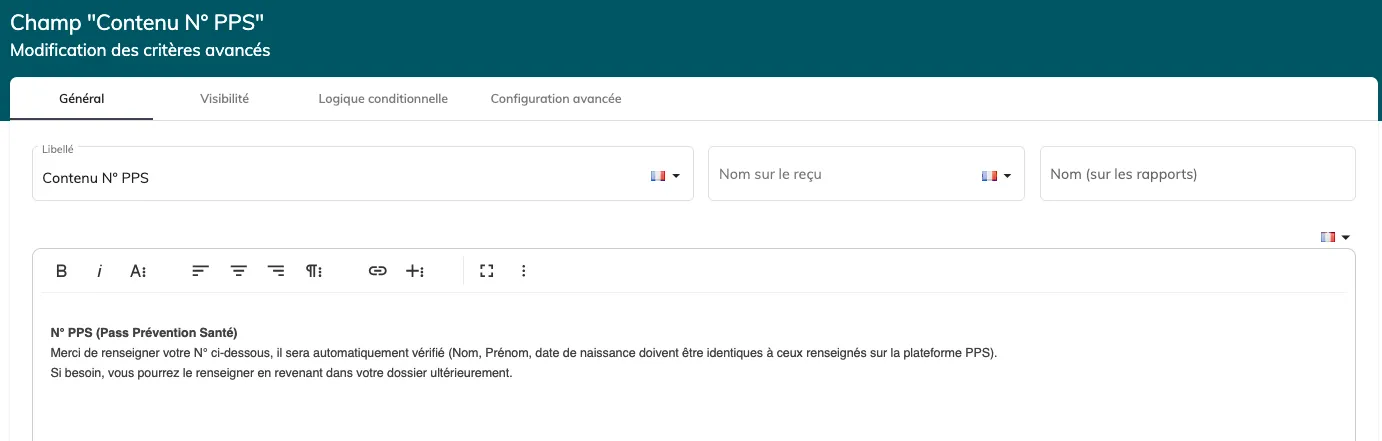
- An explanatory content field for PPS numbers, conditional on the “your supporting document” field (answer equal to PPS number):

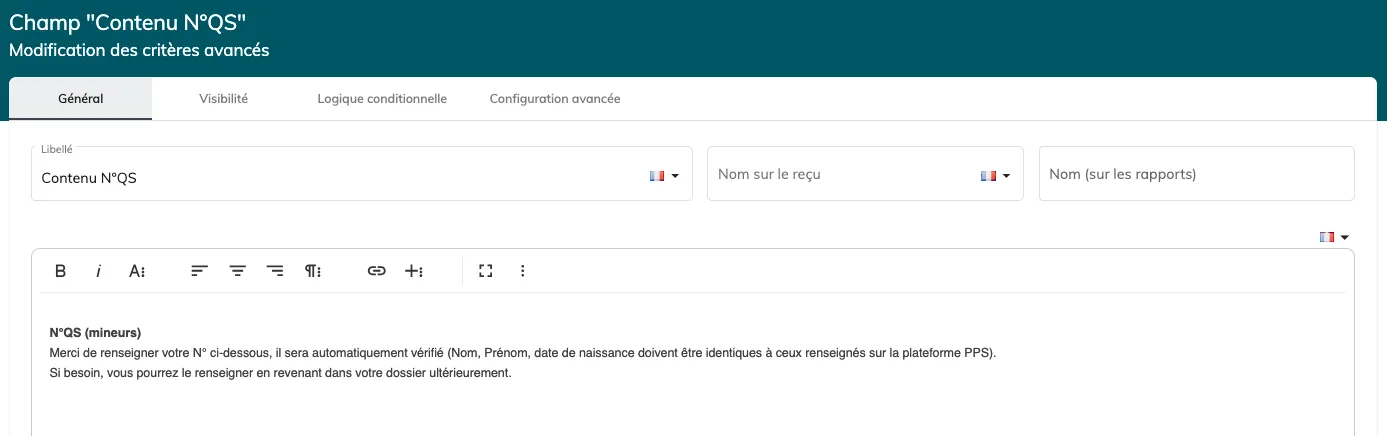
- An explanatory content field for QS numbers, conditional on the “Supporting document for minors” field (answer equal to “I am entering my QS number issued by the FFA”):

- The FFA field (FFA module, to be installed from the Store). A required field, conditional on the “your supporting document” field (answer equal to FFA licence):



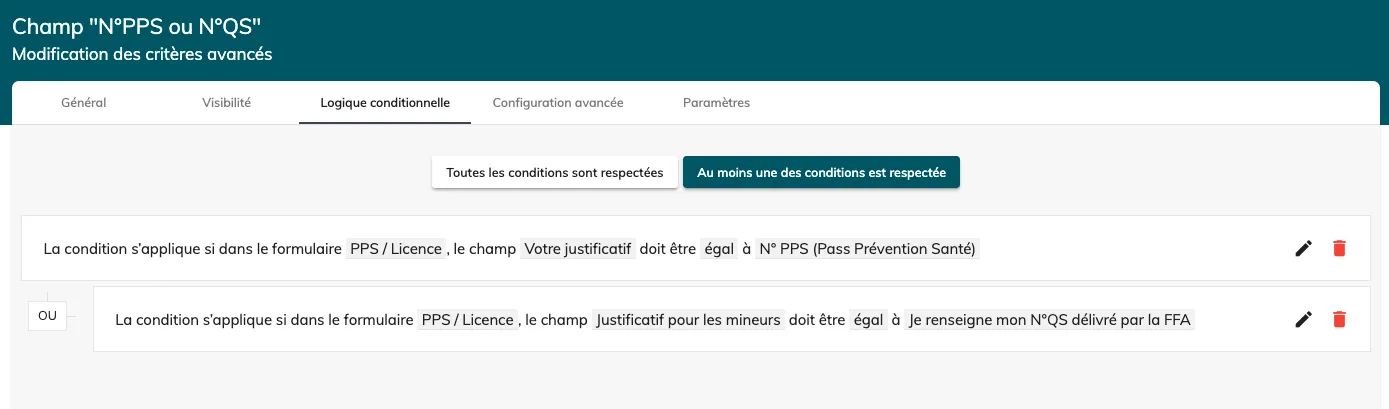
- The PPS field (FFA module, to be installed from the Store). A required field, conditional on the “your supporting document” field (answer equal to “PPS number”) OR on the “Supporting document for minors” field (answer equal to “I am entering my QS number issued by the FFA”):


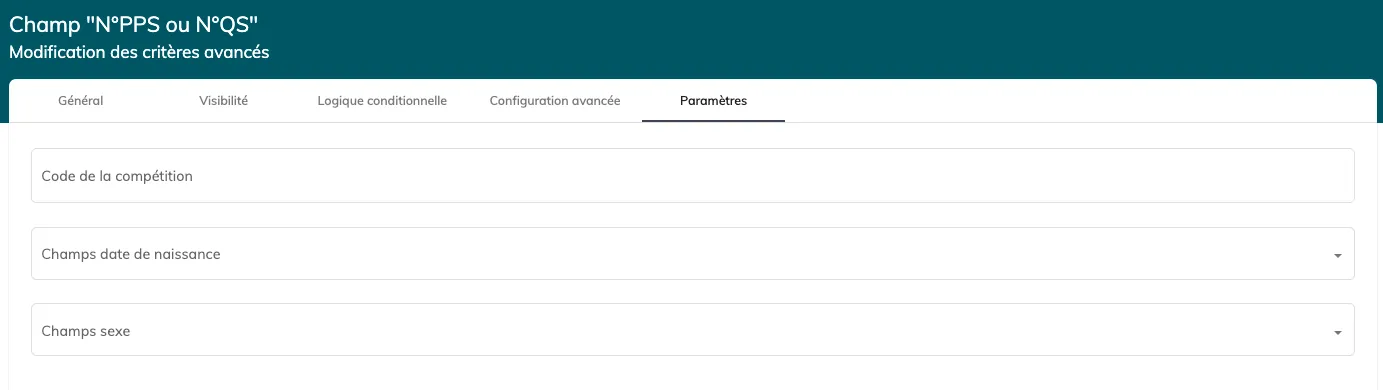
Enter the competition code in this tab:
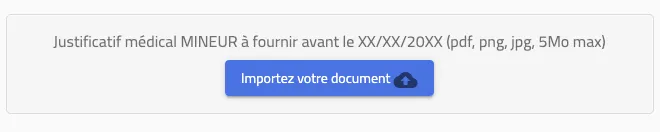
- A file field for providing a medical certificate, required or not, conditional on the “Supporting document for minors” field (answer equal to “I am providing a medical certificate less than 6 months old”):


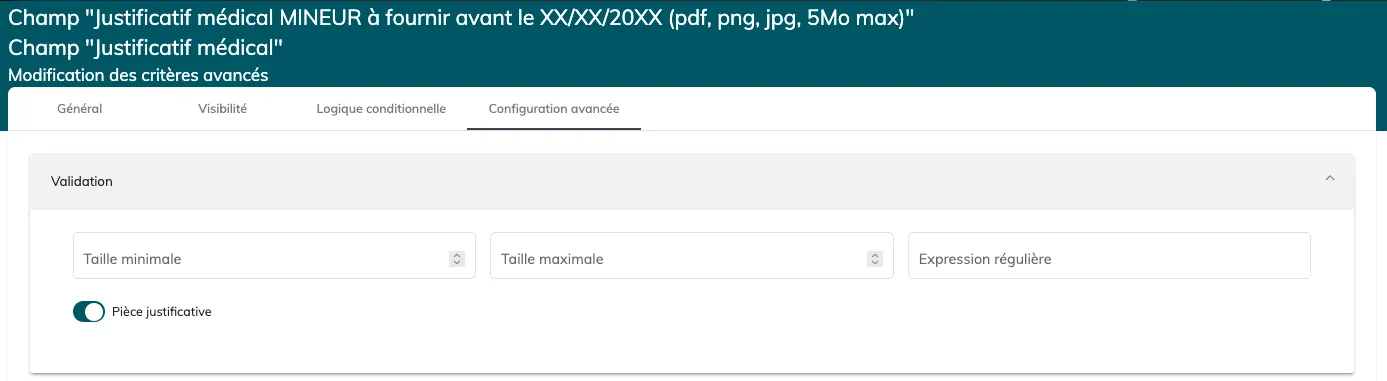
In the “Advanced configuration” tab, enable the “Supporting document” option:
3.2 Add the form to the workflow
If you decided to create a form dedicated to supporting documents, you will need to add it to your registration workflow, and perhaps to your modification workflow as well.
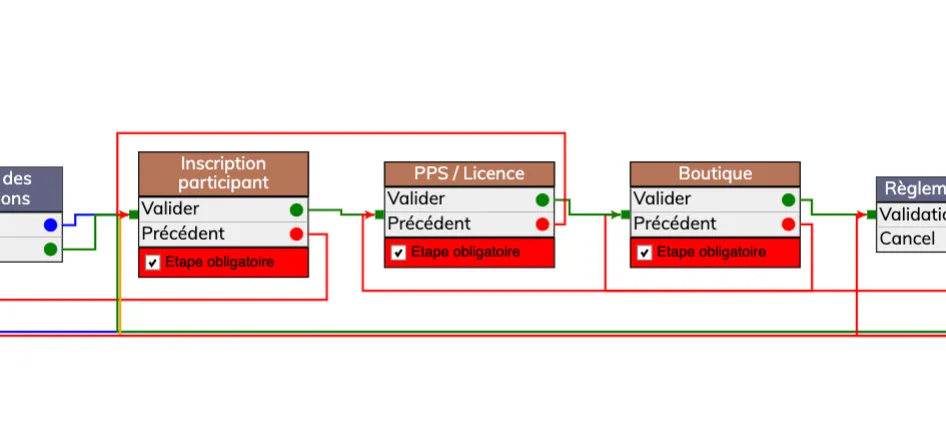
3.3 Enter the competition number
For the FFA and PPS fields to work, you must enter the competition number in the settings of the FFA licence number and PPS or QS number fields.
The competition number is assigned by the FFA when the event is registered on the calendar; you can find it in your Calorg account. It can also be found in the calendar published online at the following link (provided the FFA has validated the date): https://www.athle.fr/base/calendrier/
4. Video guide
5. Changes to the PPS since 15/01/26
Note that the PPS has changed since 15 January 2026:
-
the PPS is valid for 1 year (instead of 3 months before),
-
the PPS is paid for, €5 on the FFA website (instead of free before),
-
minors without a licence must complete the health questionnaire (QS), which is free and valid only for the edition in question, or provide a medical certificate less than 6 months old.
See the FFA’s PPS page for more information: https://pps.athle.fr/#know_more