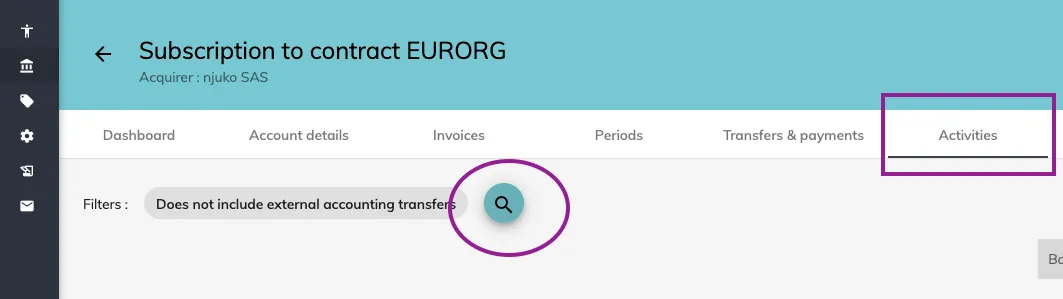
Activities tab
Navigating the activities tab in your financial dashboard
What is the activities tab?
The activities tab can be found in your Structure by going to your financial dashboard > accounting > activities.
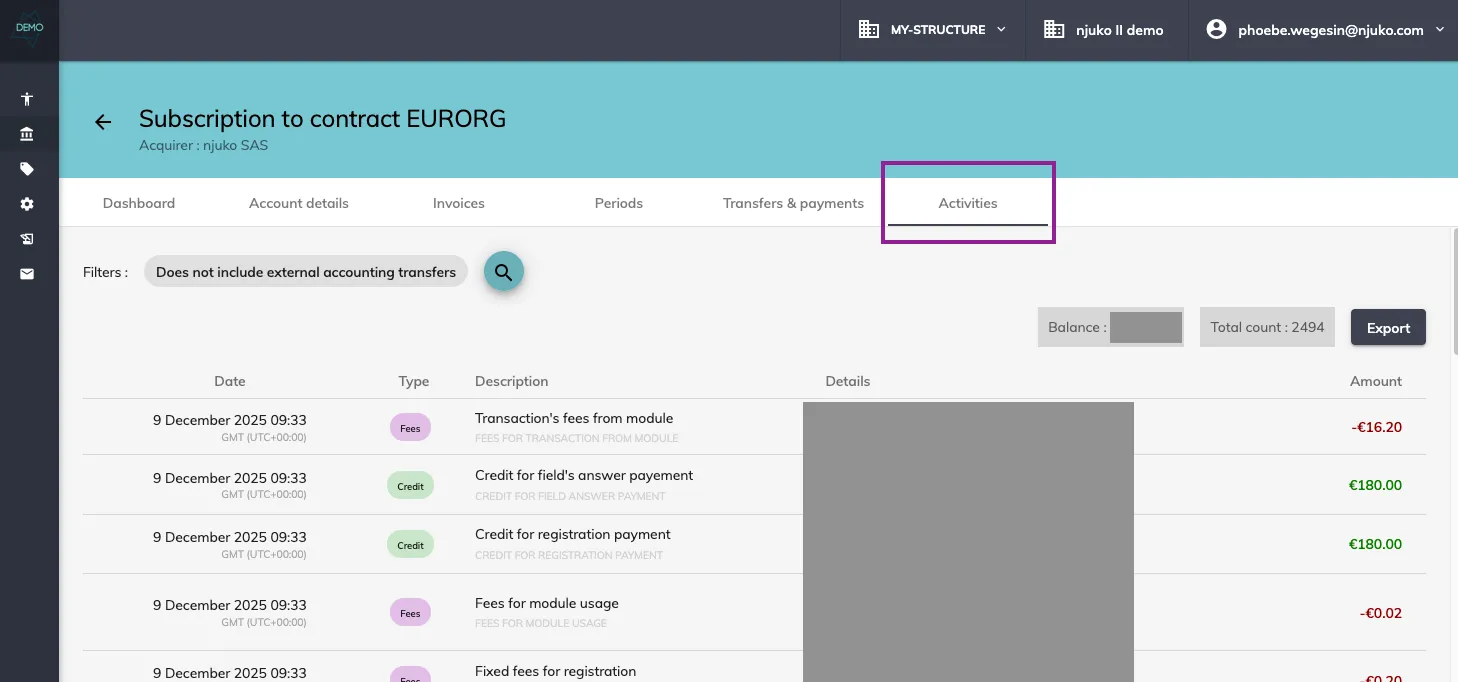
This activities tab will give you a detailed, line by line report of every single cost and income in your account. It combines all of the editions in this currency.
You can use the filter button to filter by edition, by dates and/or by type of expense/income.