Where can I find the details of the monthly revenue collected and payouts?
If njuko is collecting the funds for you and paying you each month, you can access all the payment details in your Structure.
Head to your Structure > “Financials” > “Financial dashboard”. Access the contract in question by clicking on “Accounting” and go to the “Transfers & Payments” tab. Here you will find all the payouts.
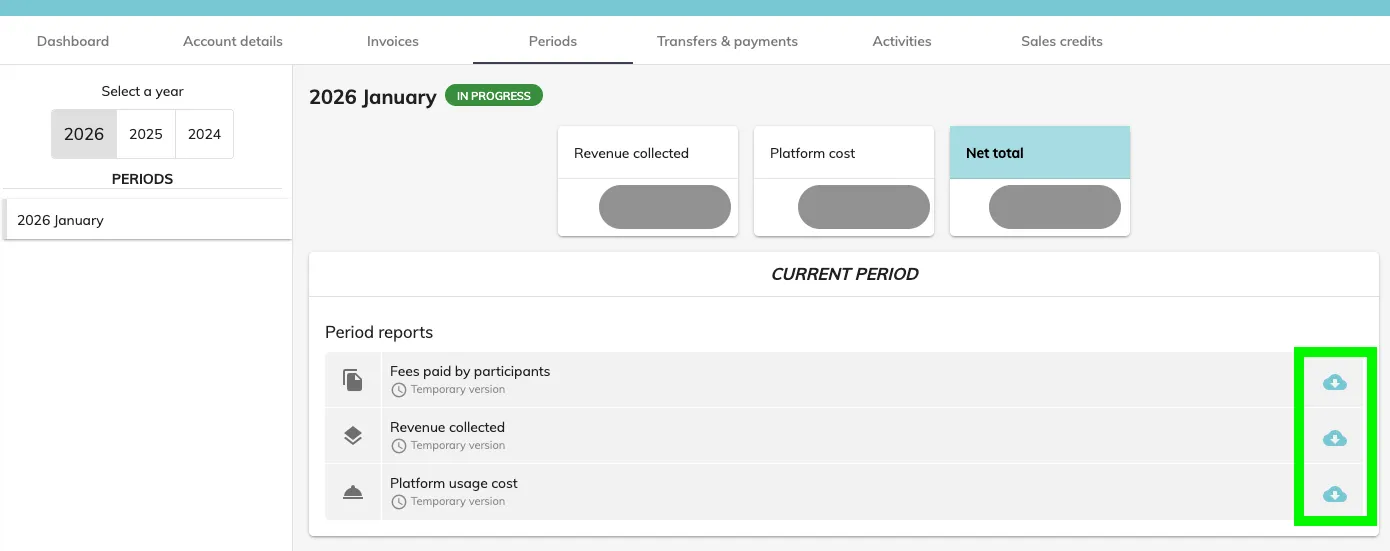
For details on the payouts, go to the ‘Periods’ tab. For each period, you can download reports by clicking on the cloud icons to view details by edition and competition (fees paid by participants, revenue collected and platform usage cost).