RunMotion Coach Integration
Enhance Your Runners’ Preparation and Experience by offering them RunMotion Coach.
RunMotion Coach is a training plan app created by former French professional athletes Guillaume and Romain ADAM. It adapts training plans to the race distance and the number of weeks left to train for each of your participants.
1. Why RunMotion Coach?
Many runners need guidance to get to the start line — structure, motivation and confidence.
With the RunMotion Coach integration, your participants will benefit from AI-powered personalised training plans, a 24/7 digital coach and practical advice for all levels — with 88% of goals achieved, in 5 languages.
👉 A simple integration with our platform
👉 Premium codes sent automatically
👉 Revenue sharing with your event
Learn more about RunMotion Coach on their website.
2. How does the integration work
In just a few simple steps, you’ll have it all set up in your edition.
2.1 Install the partner module
Head to the Store and install this module onto your edition:
The partner RunMotion will need to approve your edition before you can use their product in your form.
2.2 Mapping
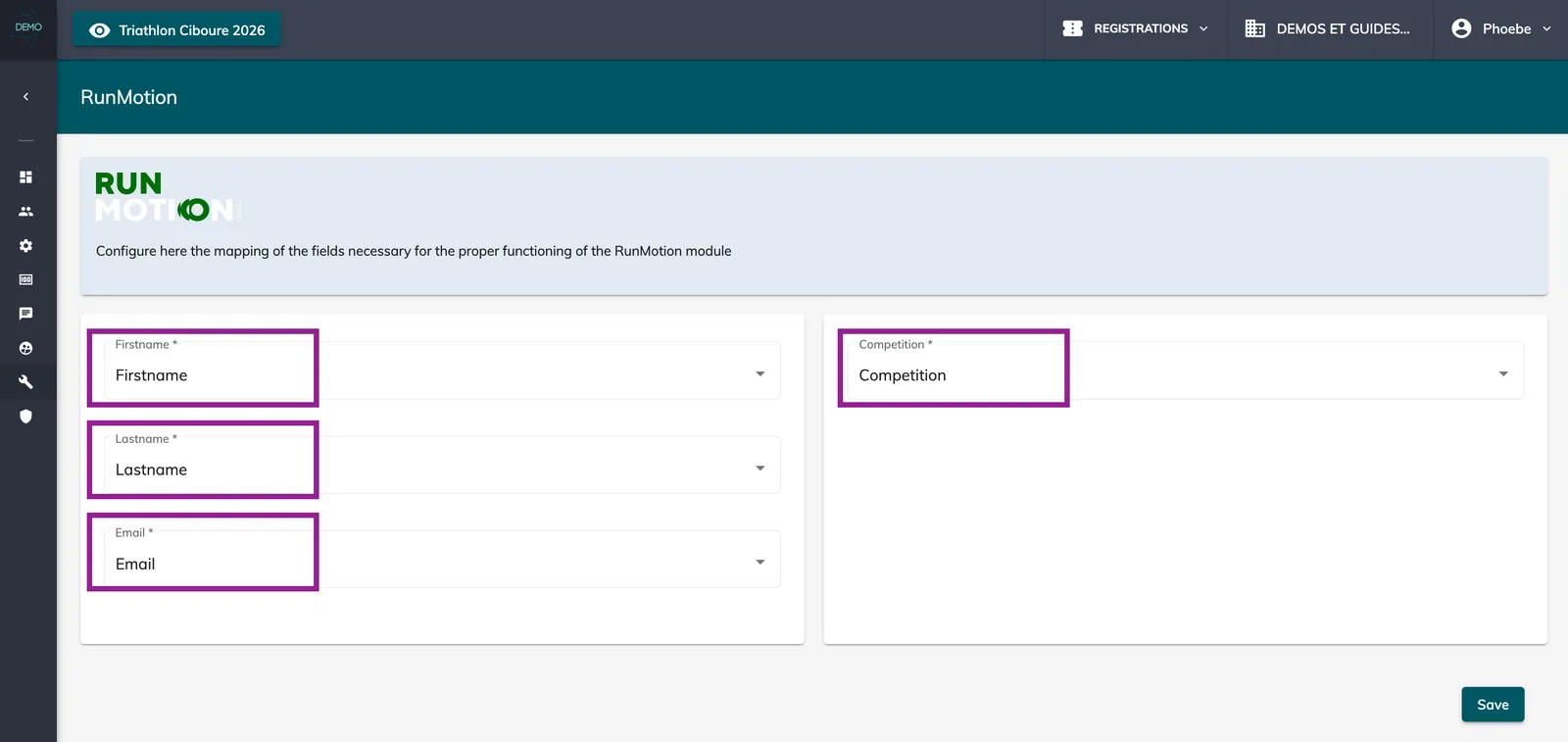

In your edition, go to Tools > RunMotion > map the below fields and competition:
2.3 Form field
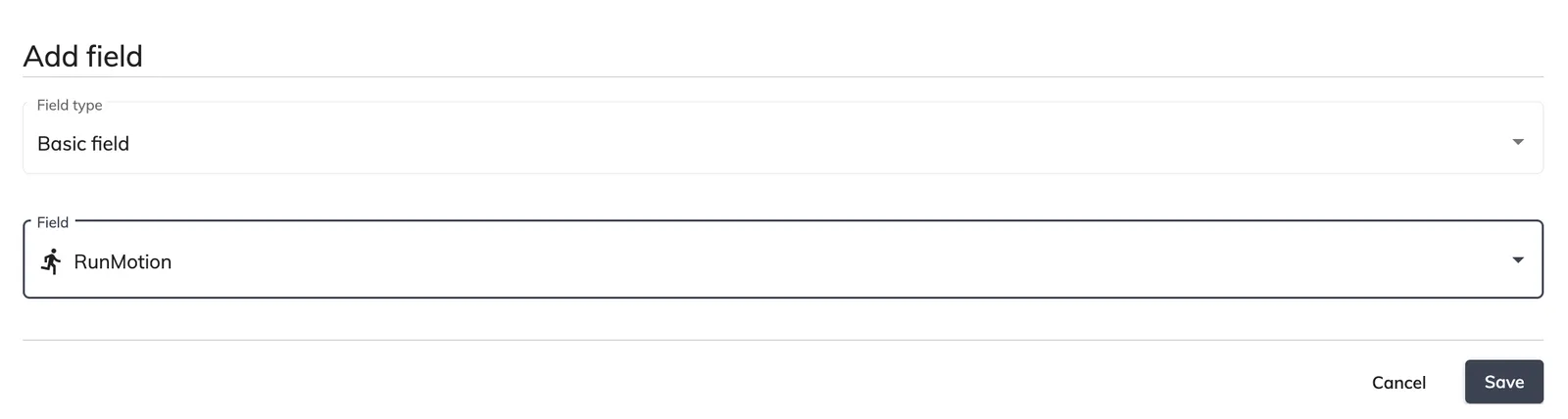
Once the mapping has been done, go to Setup > Forms > select the form in which you’d like to add the field > add the RunMotion field:
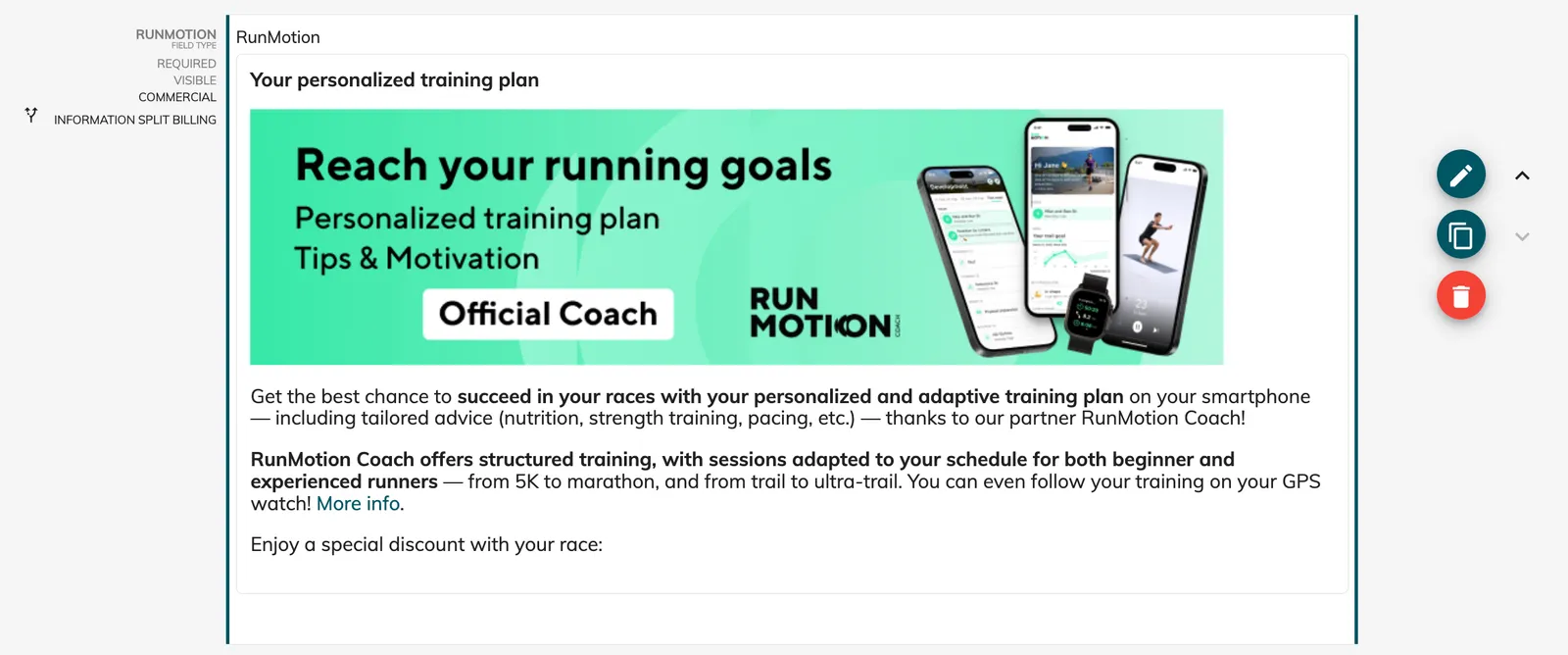
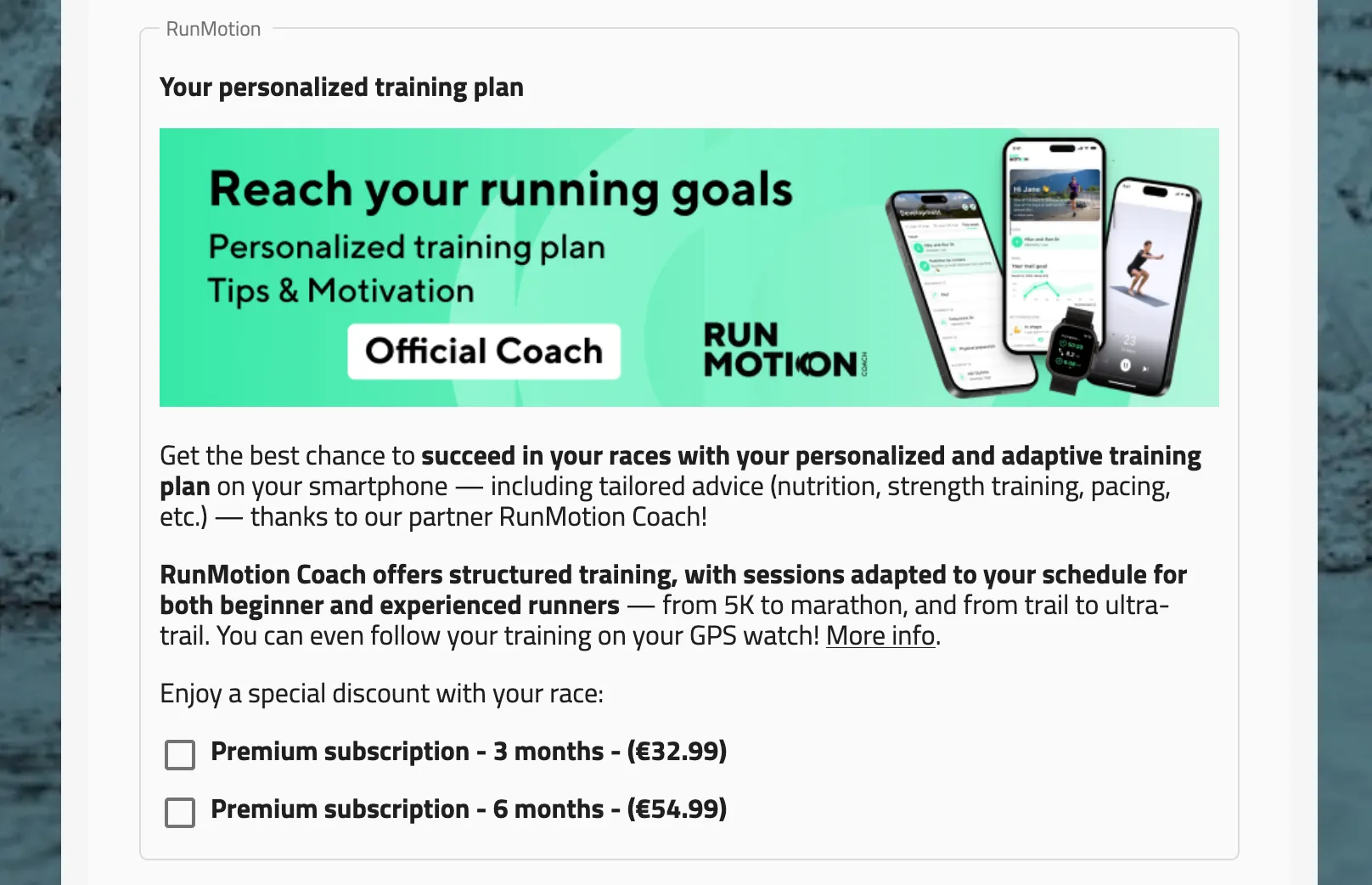
Once RunMotion has approved your edition and made their product available to you, you’ll see this in your form (if you added the field) and your participants will be able to purchase a training plan directly in the registration flow: