
How to configure the public participant list
Display your participants publicly in the front office.
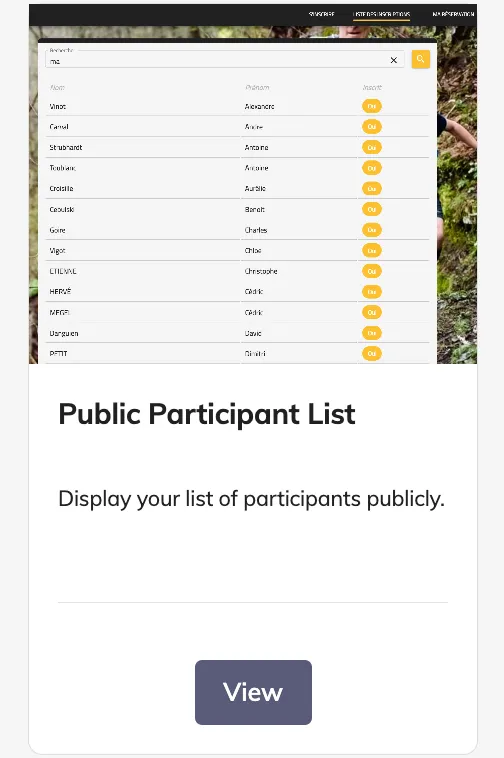
The Public Participant List module allows you to showcase your participants on the front, giving the public access to a live, searchable list of registered participants.
The Public Participant List is ideal for:
-
Allowing participants’ families and friends to find them easily
-
Creating a transparent and engaging front-office experience for your event
1. Configuration
1.1 Install the module
Before you can use the feature, install the module:
Public Participant List
1.2 Configure the public list
Once installed, go to your edition:
Tools → Registrations list
Here you can configure which information is displayed and how the list appears to the public.
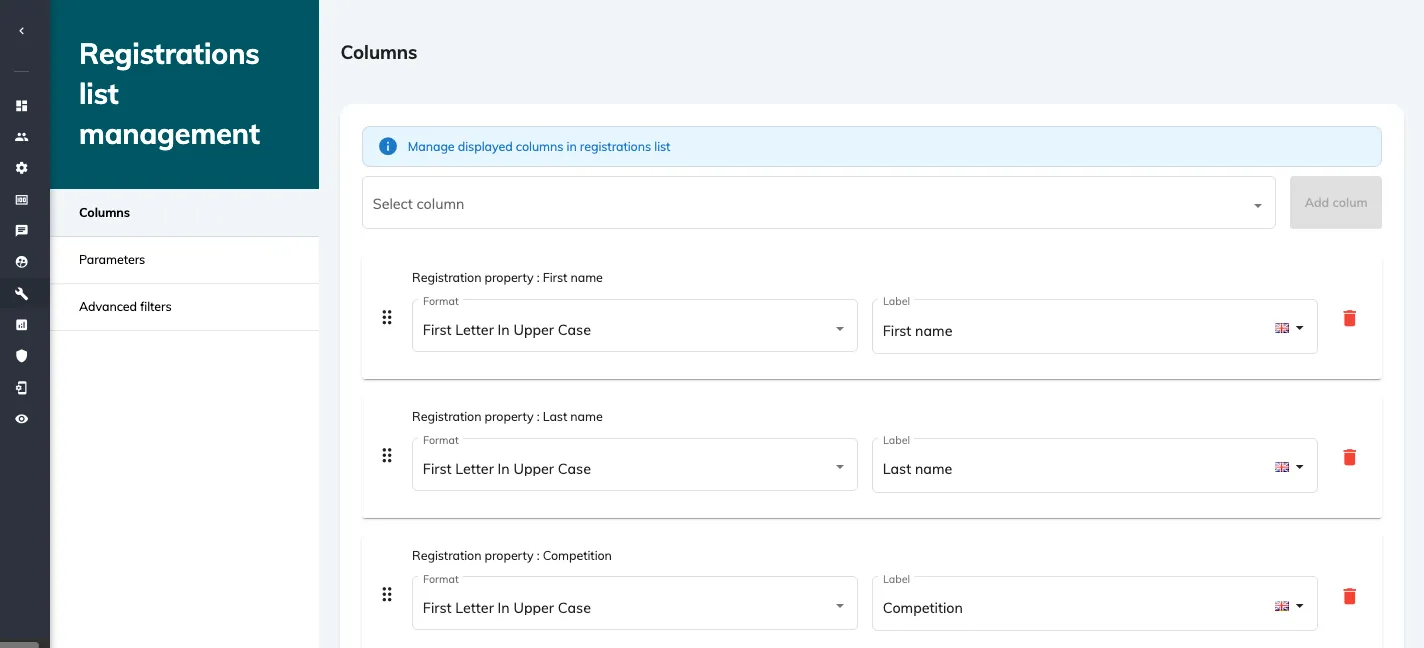
Columns
You can display up to 9 columns, choosing from:
-
First name
-
Last name
-
Registration status
-
Competition
-
Team
-
Status
-
Bib number
-
Gender
-
Club
For each column, you can define:
-
The label (the column title shown to the public)
-
The format (upper case, lower case, first letter upper case)
Parameters
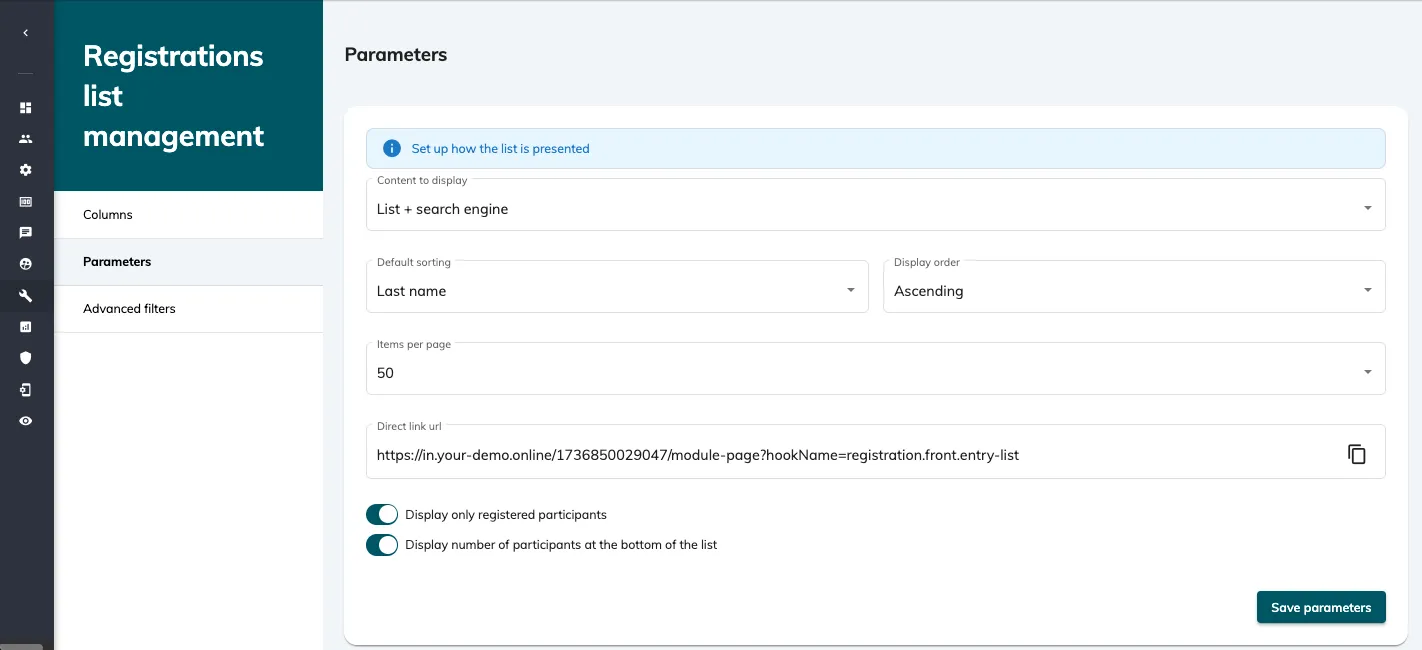
Set up how the list is presented:
-
Content: display the registrations list only, the search bar only, or both
-
Default sorting: by first name, last name, or registration date
-
Display order: ascending or descending
-
Items per page: 10, 25, 50, or 100
-
Direct URL: a link to the public list is generated automatically, but you can customise and/or copy it
-
Filter participants: optionally display only registered participants
-
Participant count: optionally display the total number of participants at the bottom of the list
Public advanced filters
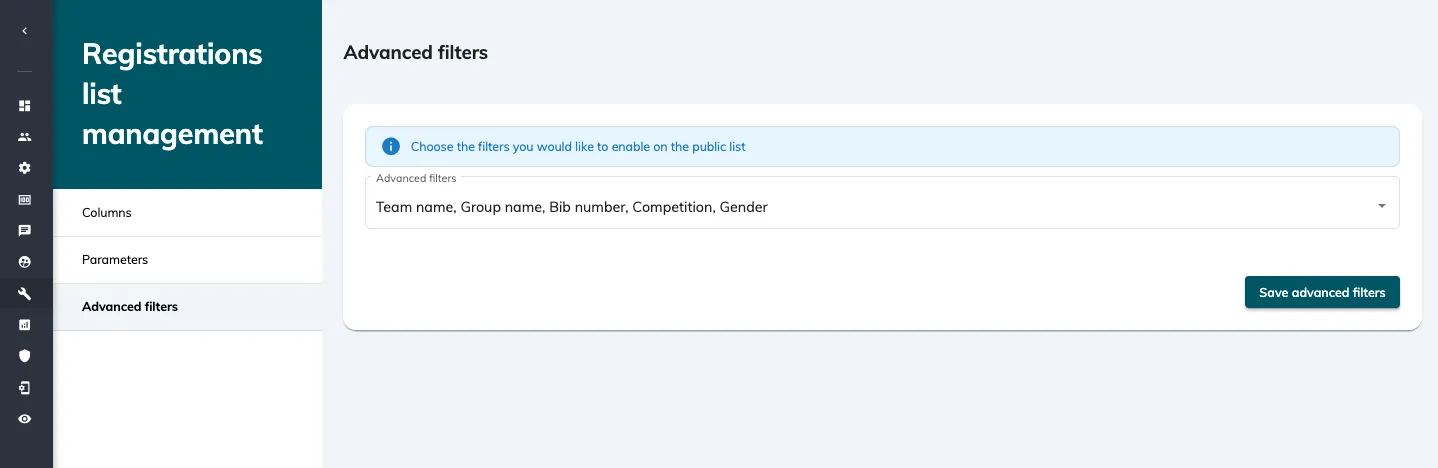
Choose which filters should be available to the public:
-
Team name
-
Group name
-
Bib number
-
Competition
-
Gender
This allows visitors to quickly find what they are looking for.
1.3 Save and test
Once your columns, parameters, and filters are configured, save your changes.
✅ Important: Make sure to test the public-facing list before sharing the link to ensure it displays correctly and that all filters work as intended.